Editing
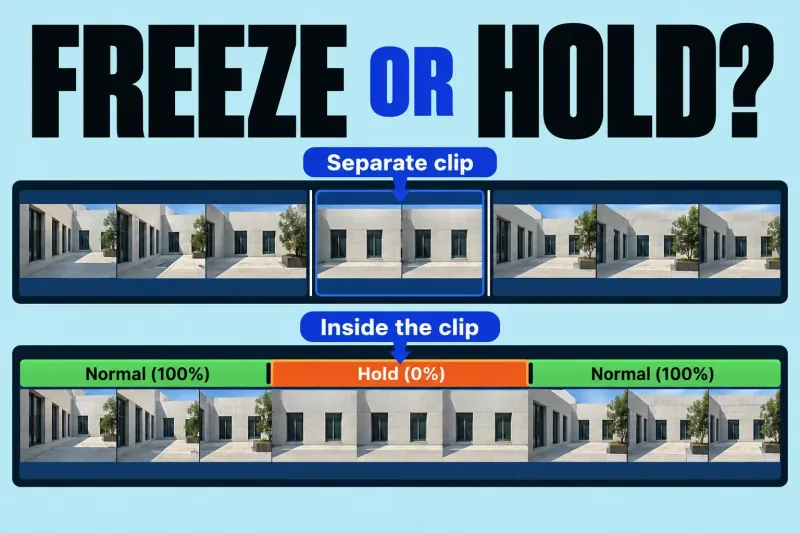
Freeze Frame or Hold Segment in Final Cut Pro: Which Should You Use?
Use a freeze-frame clip when you want a separate still clip that can be moved in the project. Use a hold segment when
Find the next step for your edit. Search guides to media, timelines, sound, color, captions, and export.
Use a freeze-frame clip when you want a separate still clip that can be moved in the project. Use a hold segment when
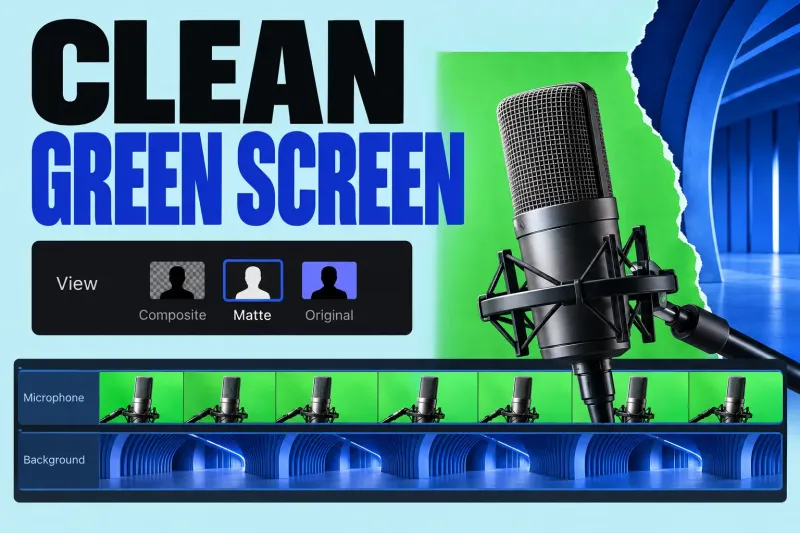
Final Cut Pro's Green Screen Keyer removes a selected green or blue color so a foreground clip can sit over another clip.
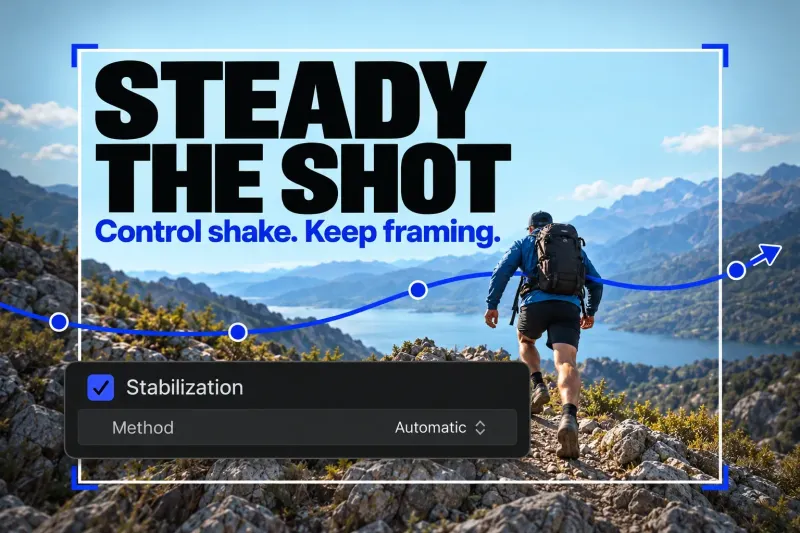
In Final Cut Pro, select the shaky clip in the timeline and turn on Stabilization in the Video inspector. Let the analysis finish, then
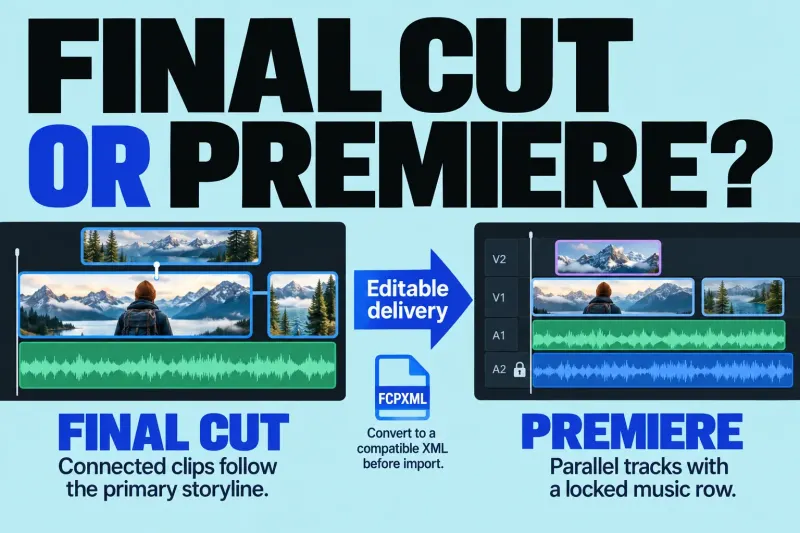
Choose Final Cut or Premiere by the editable project your team needs, the subscription commitment, and what survives a cross-editor handoff.
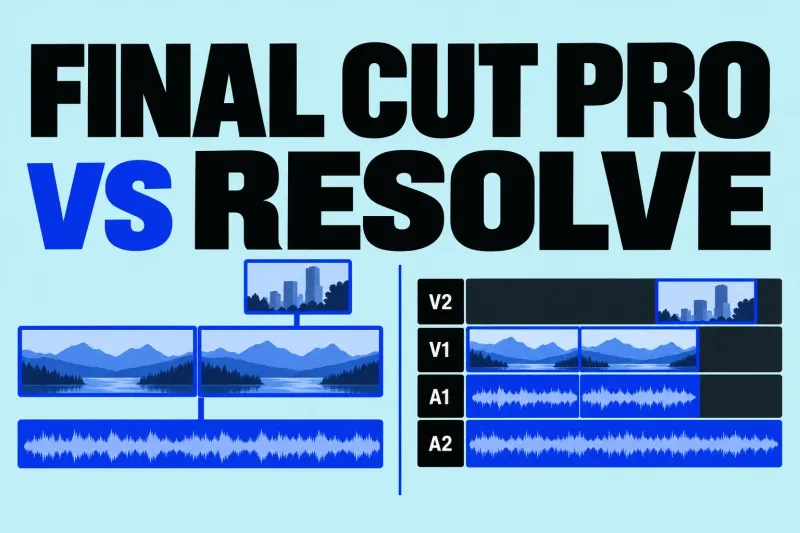
Final Cut or Resolve? Compare current costs, Mac support, codecs, finishing tools, and the limits of sending a Final Cut edit to Resolve.
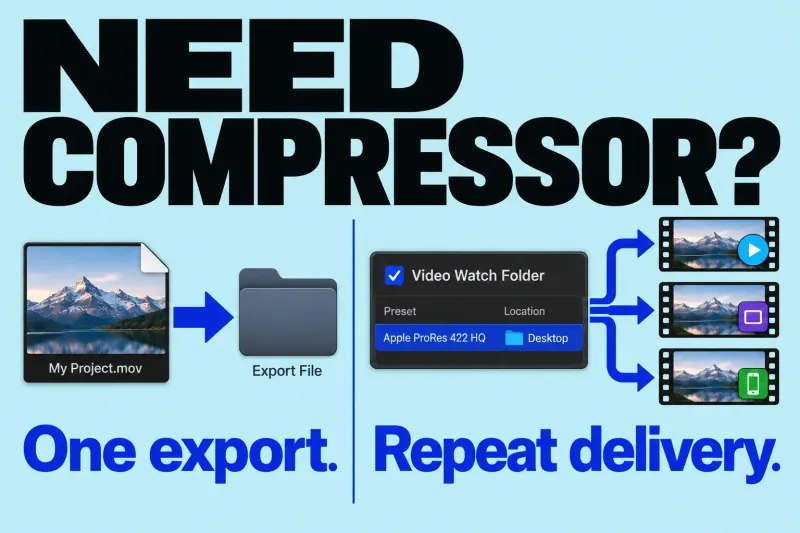
You do not need Compressor simply to export a video from Final Cut Pro. Start with the built-in destinations. I would add Compressor
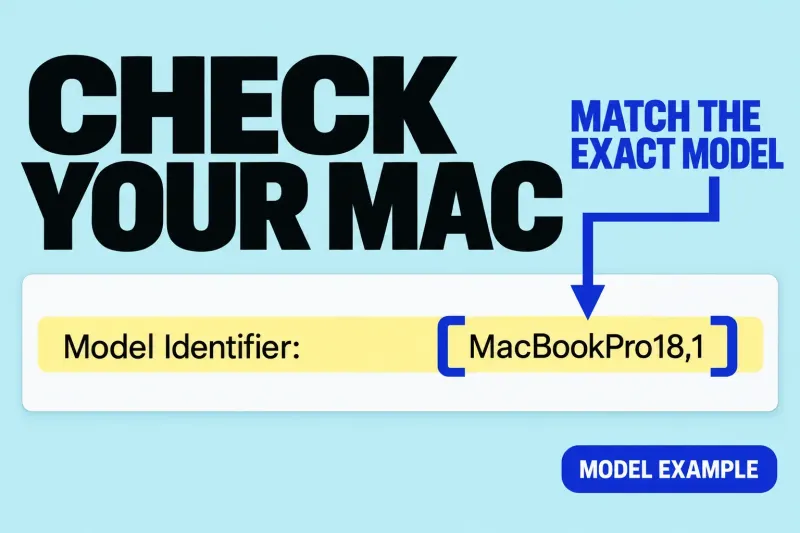
Check installation requirements, Apple silicon features, and project storage before buying or updating a Mac.
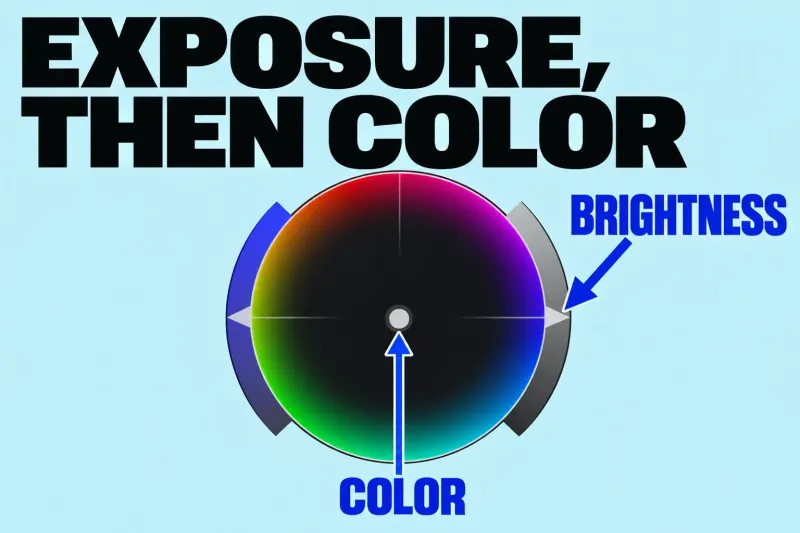
Start Final Cut Pro color correction by choosing a representative shot, checking its exposure, and correcting an unwanted color cast. Use video scopes alongside
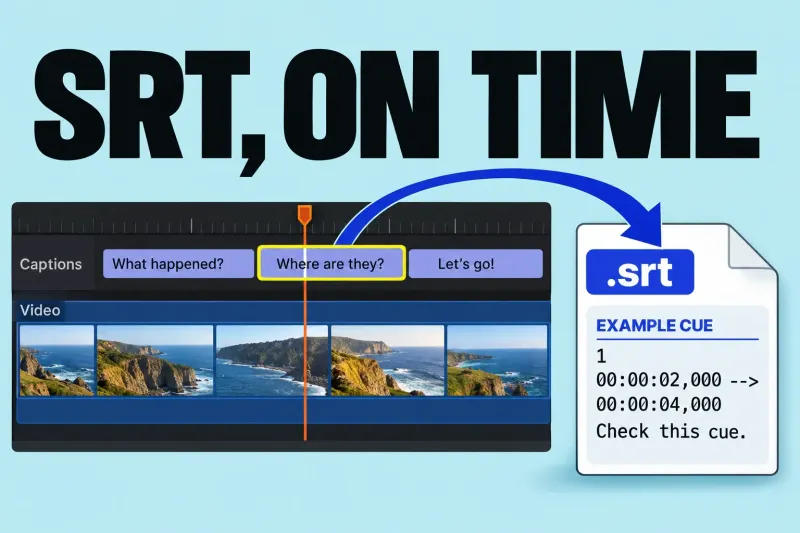
To export an SRT from Final Cut Pro, the project needs an SRT closed-caption role. Then export the required language from File >
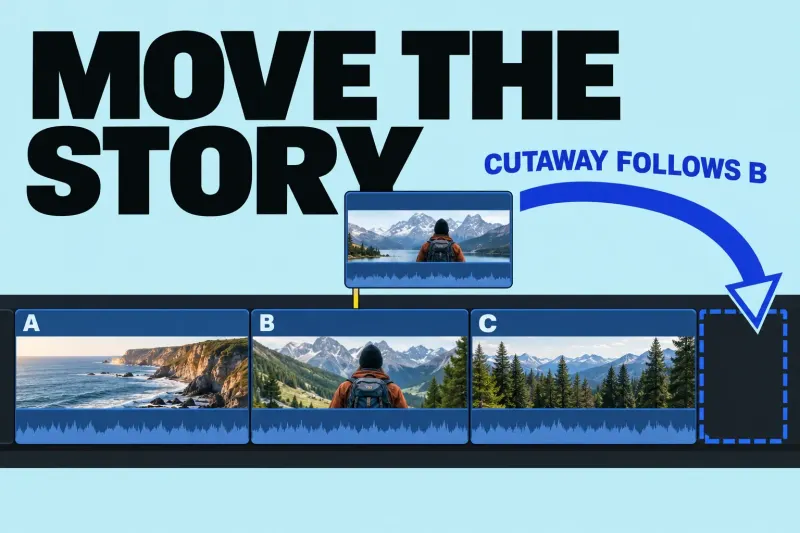
The Final Cut Pro Magnetic Timeline keeps the main sequence together as you rearrange it. Connected clips attach supporting picture or sound to that
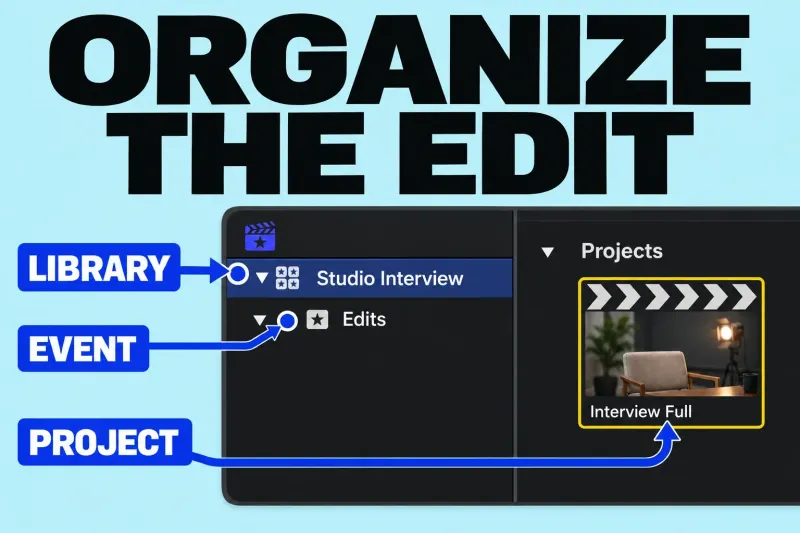
A library holds your editing work, an event organizes items inside that library, and a project is the sequence you edit in the timeline.
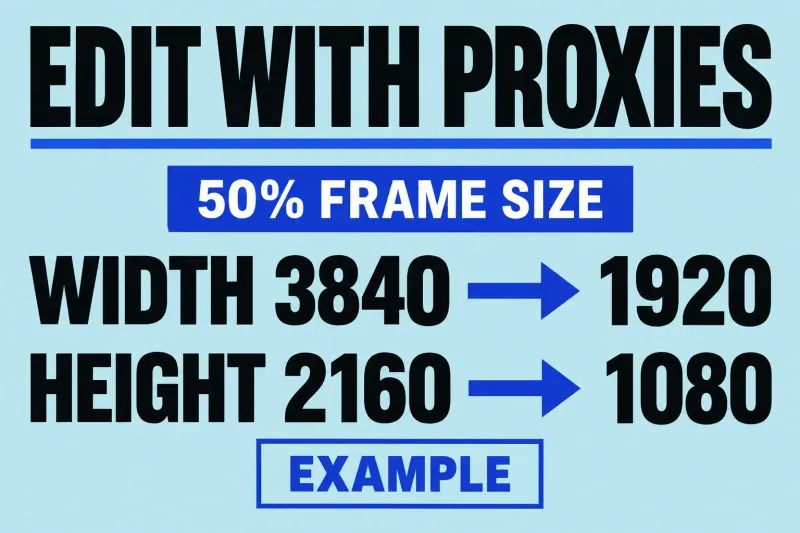
A Final Cut Pro proxy workflow uses alternate video files for editing, then returns to optimized or original media for finishing and export. The
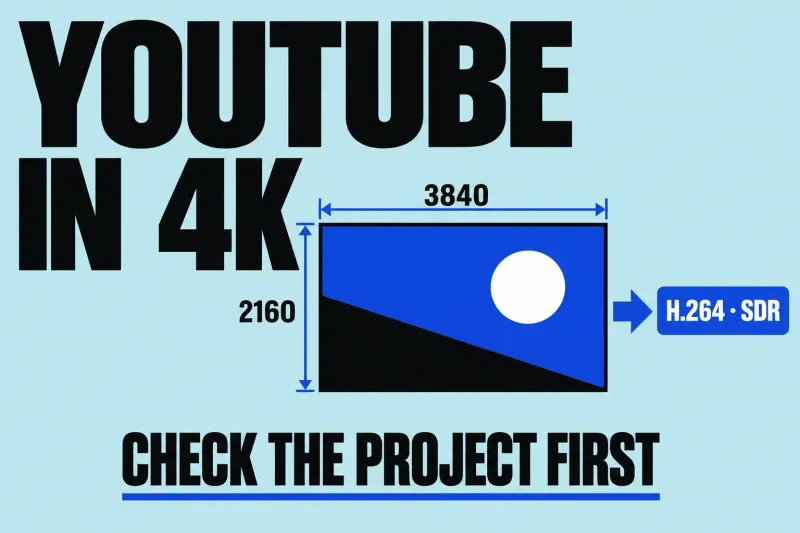
For a conventional 4K SDR YouTube video, use a 3840 × 2160 project, an intentional frame rate, Rec. 709 color, and an H.264 delivery
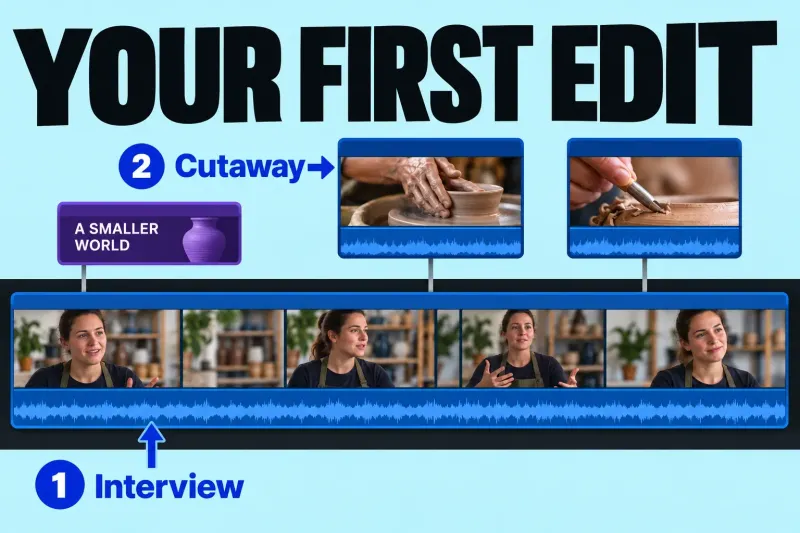
Your first Final Cut Pro edit can be a short interview answer with two cutaways and one opening title. Aim for about 60 seconds,
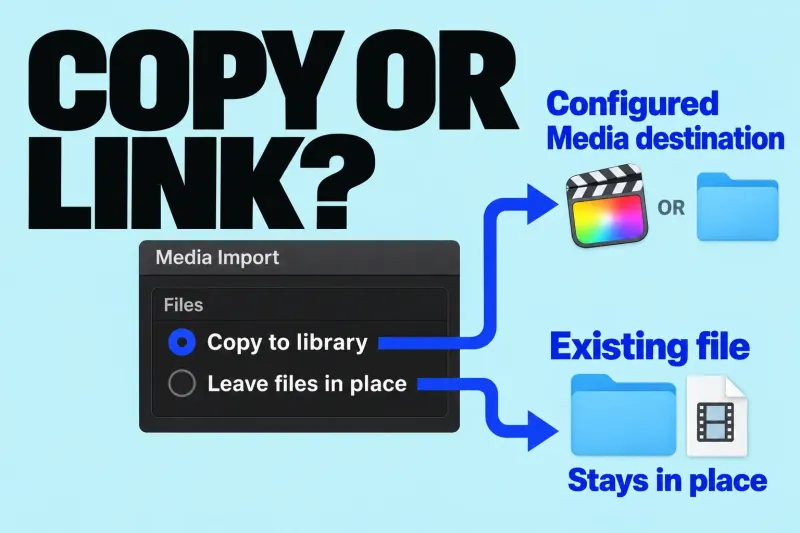
For ordinary files on your Mac or a storage drive, choose Copy to library to create copies at the library’s Media destination, or
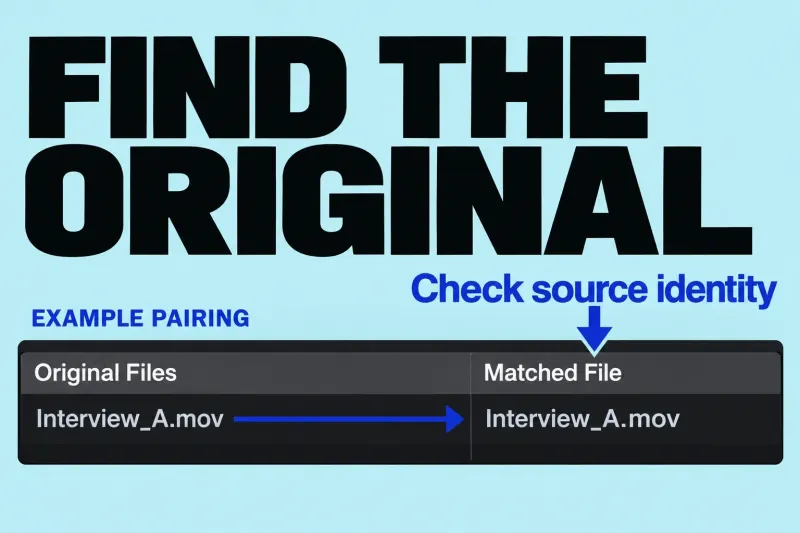
Diagnose missing original media before relinking, replacing, resetting, or deleting anything. A missing-media warning identifies a problem with a particular representation, not necessarily
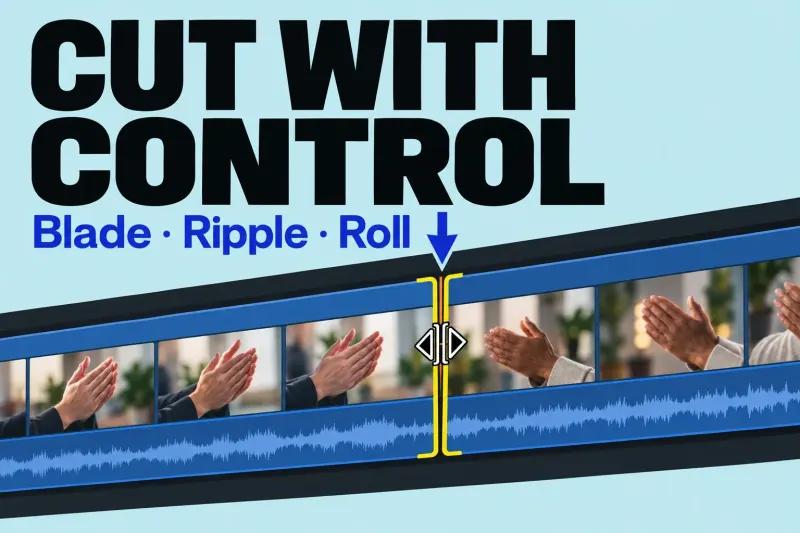
Use Blade to split a clip without changing its duration, ripple to shorten or extend the timeline, and roll to move a cut while
Try a shorter phrase such as “media” or “export”, or reset the topic filter.
You do not need to work through every tutorial before making a video. Start with the job that is holding up your project, then follow the edit through to a file you can deliver.
The beginner learning path puts setup, importing and a first timeline in order. Use that route if the difference between a library, an event and a project is still getting in the way. Apple describes a library as the container for your events and projects; understanding that organization makes the individual lessons easier to place.
Choose a short video with a clear finish: a beginning, a few useful cuts and an export. Save elaborate effects for a later edit. Finishing a simple sequence gives you a better next question than browsing tools at random.
Use media management when file locations, proxies, library size or a transfer are the problem. Decide which files the edit needs before moving or deleting anything.
Go to editing and the timeline for clip order, trims and timing. Name what should stay fixed: the overall duration, a cut point, the picture or the relationship between clips.
Use audio and captions for dialogue, music and readable speech. Visit color and effects when shots need to match or an effect serves a particular shot.
The export guides start with the destination and the file it needs. Decide the frame shape, picture requirements and caption delivery before choosing a preset.
Open troubleshooting with the exact alert or symptom in front of you. A missing original, a missing proxy and an export failure lead to different checks. Record what changed before trying a fix.
Check Mac and version compatibility before an update or purchase. Use tools and comparisons when the decision concerns another editor, delivery software or the cost of your workflow.