Export
Final Cut Pro Export Settings for YouTube: A 4K SDR Workflow
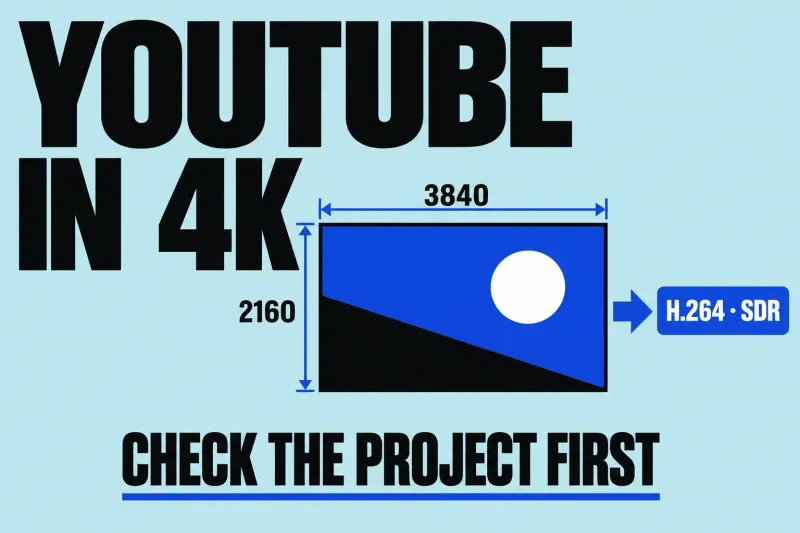
For a conventional 4K SDR YouTube video, use a 3840 × 2160 project, an intentional frame rate, Rec. 709 color, and an H.264 delivery
Final Cut Pro guides
Choose the delivery before the preset. Work out where the video is going, which picture and audio requirements matter, and how captions should arrive with it.
A file for an upload, a master for another editor and an audio hand-off are different deliveries. Write down who will receive the file and what they need before choosing the export settings.
Start with that platform's current requirements, then check frame shape, resolution, frame rate, color and captions. Optimize for the intended upload rather than the largest file you can produce.
The YouTube export guide follows a 4K SDR delivery. Use its conditions instead of treating it as a preset for every HDR, vertical or client delivery.
Ask for the receiving specification: codec, resolution, frame rate, color, audio layout and any required captions. Apple's Export File workflow covers final mastering and the settings to inspect before saving.
Decide whether the recipient needs the complete mix or separately organized material. Resolve the audio roles and caption choices before delivery; labeling the file does not establish what is inside it.
Review the framing, titles and caption placement for that destination. A file with the intended dimensions can still contain the wrong composition. Inspect the sequence in its delivery shape before relying on the export summary.
Keep the file format, video codec, picture dimensions and frame rate distinct. Apple's supported export formats and Export File settings show which combinations are available. A familiar extension alone does not answer whether a recipient can use your chosen encoding.
For final-quality sharing after proxy editing, switch playback to Optimized/Original. Final Cut Pro uses optimized media when present and otherwise the originals. If the required media is unavailable, return to media management before treating export settings as the fix.
An export that fails and an export that looks different need separate investigations. Record the alert or the visible mismatch and use troubleshooting. For a repeat-delivery or custom-encoding requirement, compare companion tools such as Compressor against the actual job.