Media management
Final Cut Pro Proxy Workflow: Create, Switch, and Finish
A Final Cut Pro proxy workflow uses alternate video files for editing, then returns to optimized or original media for finishing and export. The
Final Cut Pro guides
Know where your footage lives before changing it. Choose the right route for proxies, missing media, library storage, transfers and backups without treating every file as disposable.
A Final Cut Pro proxy workflow uses alternate video files for editing, then returns to optimized or original media for finishing and export. The
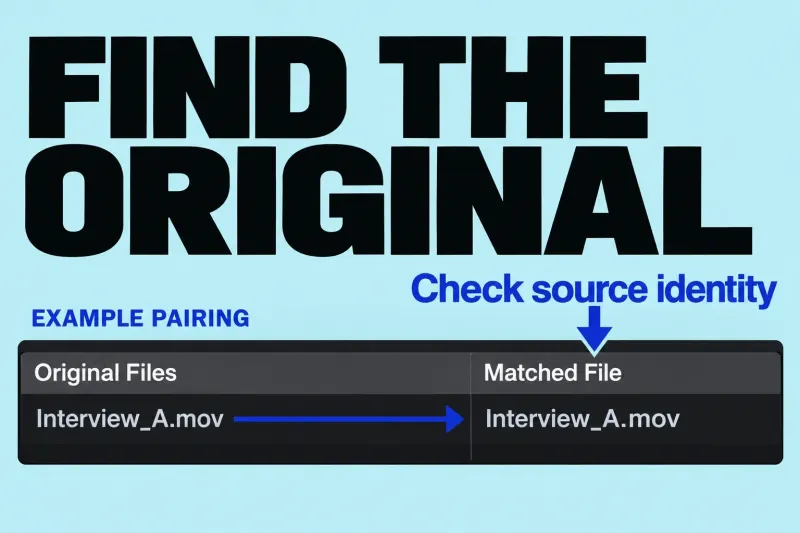
Diagnose missing original media before relinking, replacing, resetting, or deleting anything. A missing-media warning identifies a problem with a particular representation, not necessarily
A large library, a red warning and slow playback need different responses. Start by identifying the files involved. Moving a library or deleting generated media is a poor first move when you do not yet know what the edit depends on.
Final Cut Pro can keep managed media inside a library or link external media from another location. The library file you see in Finder is therefore not a reliable inventory of all the footage used by an edit.
During import, Copy to library uses the configured library storage, while Leave files in place links the current files. Wait for background copying to finish before disconnecting its source device. If you linked the files instead, their storage must remain available; the import did not make an independent media copy.
Before reorganizing, note the library location, the media locations and which storage devices must remain connected. If someone else needs the project, include the external dependencies in the hand-off plan. A smaller library file is only useful if the next editor can still reach its sources.
Read the exact alert and check the expected storage device. A Missing Proxy File alert in Proxy Only playback concerns that representation; it does not establish that the camera original is gone. Find the expected file before attempting to relink anything.
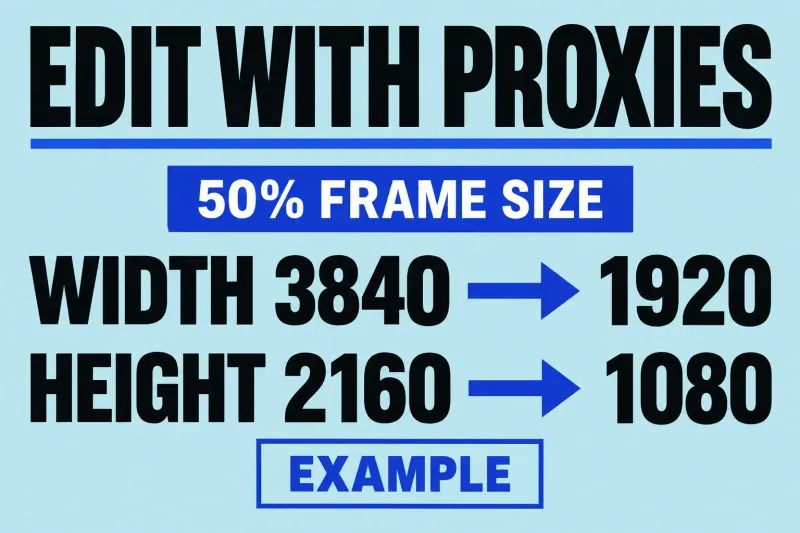
Separate playback performance from file availability. Proxy and optimized files are alternative working representations; creating them retains the originals. Keep the source footage in your backup plan.
Identify originals, generated media and other stored content before deciding what to remove. Do not choose files by size or extension alone. Keep cleanup separate from recovery: reclaiming space should not make a missing-media investigation harder.
Make a list of the library, external footage and other project dependencies. Check the destination copy and its file locations before retiring the old storage. Treat a hand-off as a dependency problem rather than a single-file copy.
Confirm which media the edit is using and which files you can restore. For final-quality delivery, Apple instructs you to switch proxy playback to Optimized/Original; optimized media is used when it exists, otherwise the originals. Continue to export for delivery choices, or troubleshooting when a specific alert remains.