Color and effects
Final Cut Pro Green Screen: Fix Edges and Spill
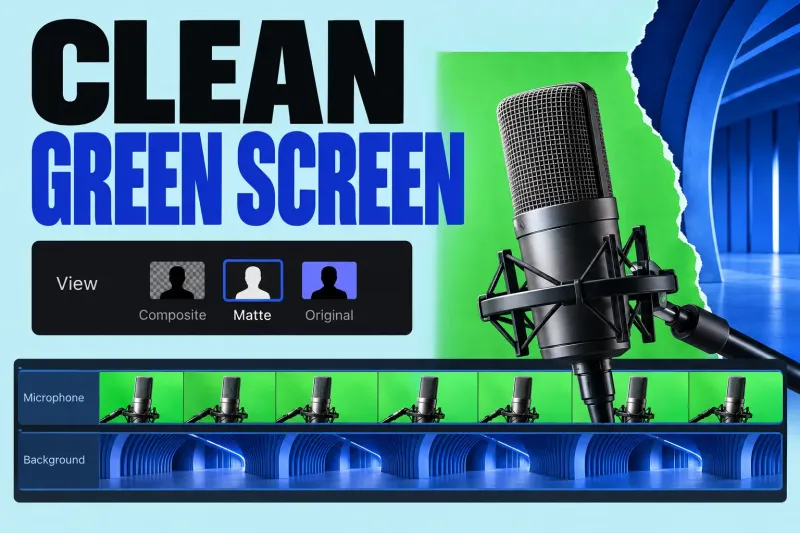
Final Cut Pro's Green Screen Keyer removes a selected green or blue color so a foreground clip can sit over another clip.
Final Cut Pro guides
Start with the shot you need to fix. Separate color management, exposure, shot matching and a creative look, then choose an effect only when it serves the picture.
Final Cut Pro's Green Screen Keyer removes a selected green or blue color so a foreground clip can sit over another clip.
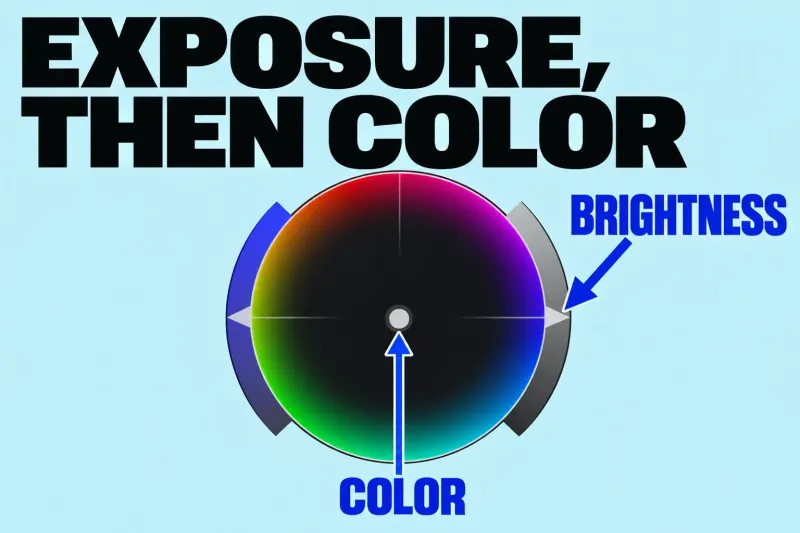
Start Final Cut Pro color correction by choosing a representative shot, checking its exposure, and correcting an unwanted color cast. Use video scopes alongside
A flat or washed-out picture does not tell you whether the next step is a color conversion or a correction. Check how the footage is being interpreted before making creative adjustments.
With mixed SDR and HDR material, inspect the project's intended color space and the clip's conversion. Final Cut Pro's Color Conform can convert a clip to the project's color space. Apple warns that Color Conform and the legacy HDR Tools effect are additive: use one or the other on a clip rather than stacking both conversions.
Log footage raises another question. Camera LUTs process source media, while Custom LUT effects act on timeline clips. Check what is already applied and what the LUT expects. A technical transform and a stylistic look are not interchangeable merely because both arrive as a LUT.
Start with a clear reference in the shot and make a deliberate correction. Use the color-correction guide above for the controls. Compare the corrected image with the original so that an adjustment solves a visible problem rather than simply making the picture more intense.
Choose a reference shot for the scene, then compare neighboring shots against it. Apple's manual correction workflow uses a reference shot before matching the scene. The important check is the cut between shots, not how impressive each shot looks alone.
Define the region and the purpose before reaching for a mask: a face, background or highlight may need a different adjustment from the rest of the picture. Check the entire shot for moving edges and changes in lighting.
Decide what the look should communicate after the footage is balanced. Compare several shots with the look applied. I would reject a preset that makes one favorite frame attractive but makes the rest of the scene harder to read.
Keep the image and video scopes visible together when evaluating a correction. Use the scopes to examine the signal and the picture to judge the scene; a single scope shape is not a creative target for every shot.
Review cuts, masks and the result of the intended delivery. If the exported picture changes unexpectedly, follow export and color-delivery decisions before changing the grade again. For a missing effect or an application problem, use troubleshooting; for a trim or timing change, return to editing.