Editing
Freeze Frame or Hold Segment in Final Cut Pro: Which Should You Use?
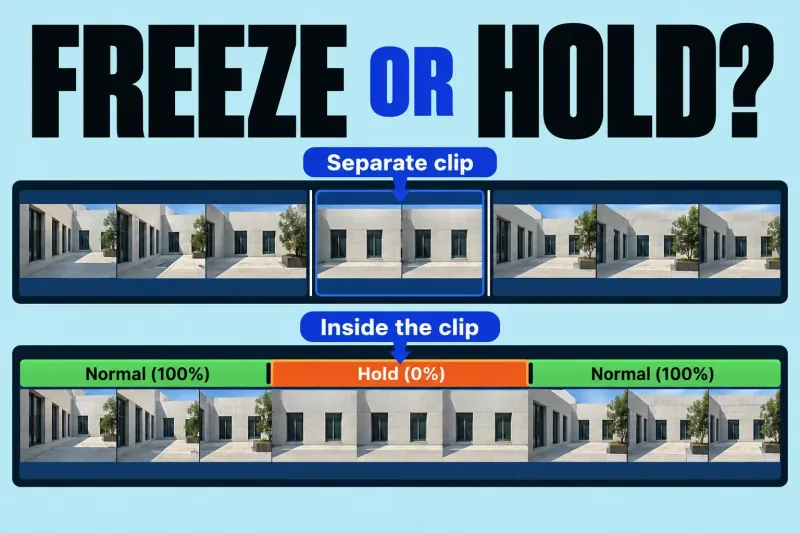
Use a freeze-frame clip when you want a separate still clip that can be moved in the project. Use a hold segment when
Final Cut Pro guides
Choose an edit by what needs to change and what must stay fixed. Find guides to the Magnetic Timeline, clip connections, cuts, trims and timing before reaching for a different tool.
Use a freeze-frame clip when you want a separate still clip that can be moved in the project. Use a hold segment when
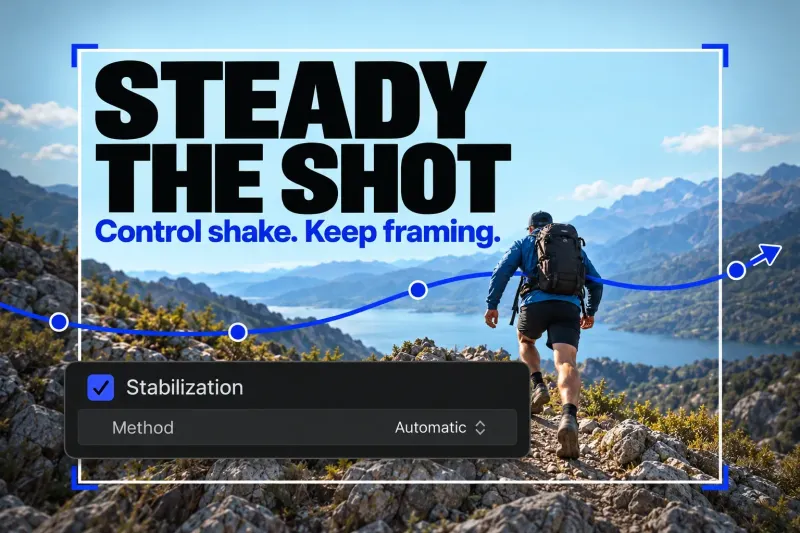
In Final Cut Pro, select the shaky clip in the timeline and turn on Stabilization in the Video inspector. Let the analysis finish, then
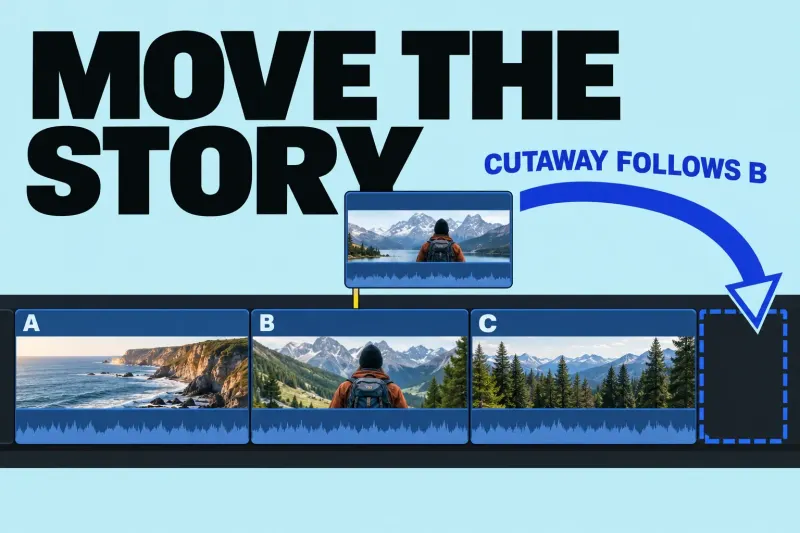
The Final Cut Pro Magnetic Timeline keeps the main sequence together as you rearrange it. Connected clips attach supporting picture or sound to that
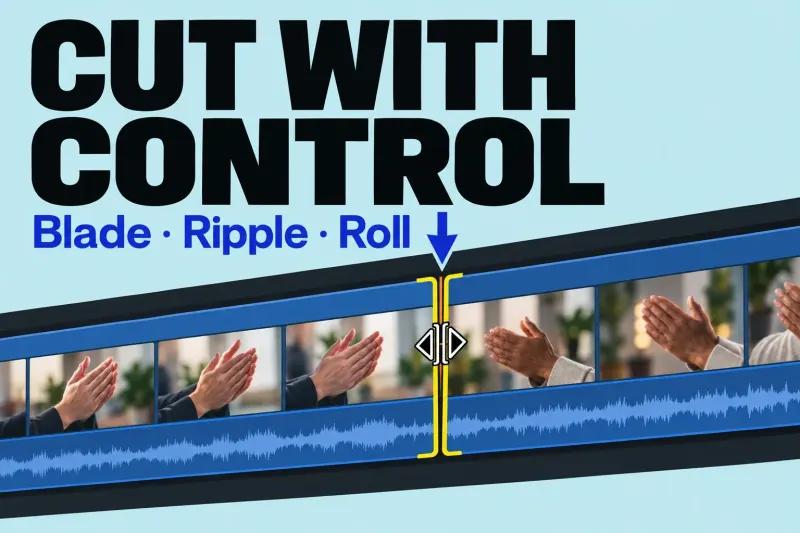
Use Blade to split a clip without changing its duration, ripple to shorten or extend the timeline, and roll to move a cut while
Before changing a cut, name the constraint. Are you shortening the whole sequence, moving a cut point, or choosing a different moment inside the same slot? Those are different edits, even when they start with the same clip.
| Your task | Edit to understand | What to check |
|---|---|---|
| Separate a clip into sections | A Blade cut splits the clip in two. | Making the cut does not, on its own, remove the unwanted section. |
| Shorten or extend a primary-storyline shot | A ripple trim changes duration and moves later clips. | The total project duration changes too. |
| Move the cut between two shots | A roll edit preserves the combined duration. | One shot becomes longer and the other shorter; both need enough available media for the move. |
| Use a different moment in a fixed slot | A slip edit preserves position and duration. | The source clip needs media handles on both sides. |
| Let speech cross a picture cut | A split edit gives audio and video different boundaries. | Listen across the transition and check the overlap, not just the picture cut. |
The guides above explain the controls and the checks for a particular operation. I would choose the intended result first; memorizing a shortcut is less useful if it performs the wrong kind of trim.
Look at the connection before trying to force the clip into place. Connected clips normally follow changes to their primary-storyline attachment. That relationship can be helpful for a title, cutaway or sound that belongs to a particular shot. It also explains why changing the main sequence can affect material above or below it.
Check what should stay attached and what should stay at a fixed point in time. Then inspect the affected title, cutaway and sound after the edit.
If the relationship is unclear, start with the Magnetic Timeline guide before making a more complicated arrangement.