Tools and comparisons
Final Cut Pro vs Adobe Premiere: Workflow and Handoff
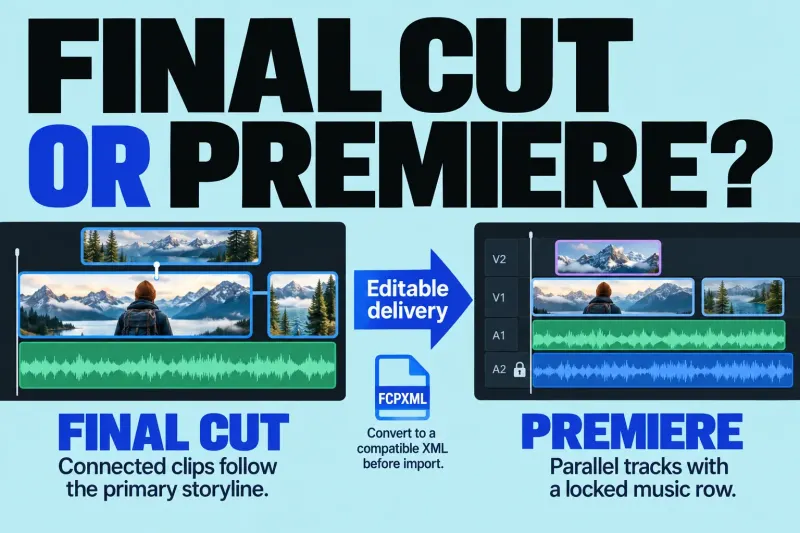
Choose Final Cut or Premiere by the editable project your team needs, the subscription commitment, and what survives a cross-editor handoff.
Final Cut Pro guides
Choose around the work the editor has to deliver. Compare editing workflows, companion tools, hand-offs and purchase options before paying for a feature you may not need.
Choose Final Cut or Premiere by the editable project your team needs, the subscription commitment, and what survives a cross-editor handoff.
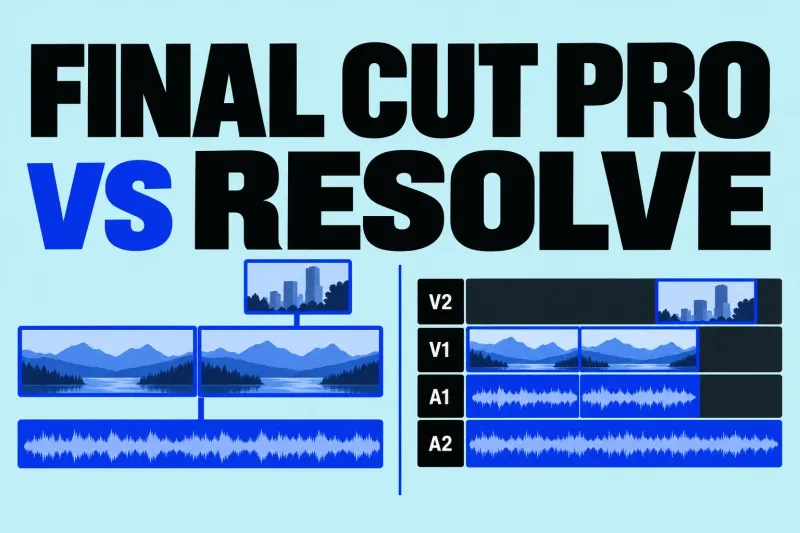
Final Cut or Resolve? Compare current costs, Mac support, codecs, finishing tools, and the limits of sending a Final Cut edit to Resolve.
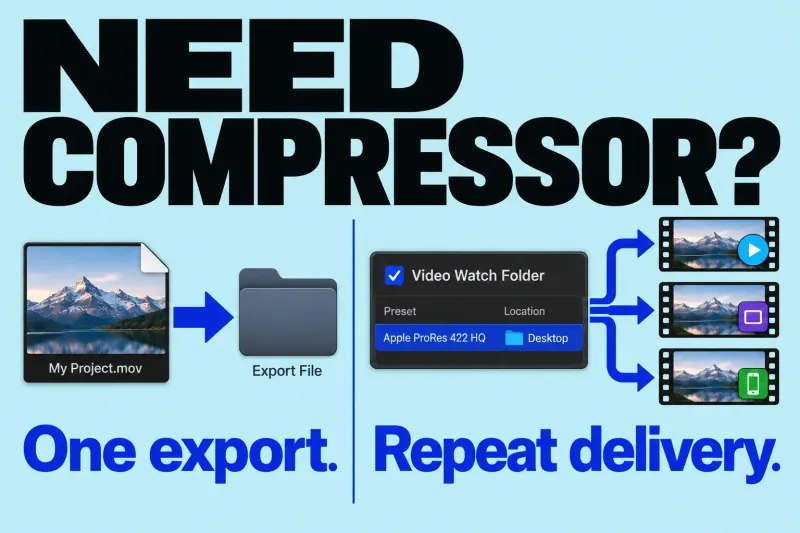
You do not need Compressor simply to export a video from Final Cut Pro. Start with the built-in destinations. I would add Compressor
Start with the job your current setup cannot do comfortably. Replacing the editor, adding an encoding tool and buying a plug-in are different decisions. A list of “alternatives” is only useful when it separates those jobs.
I would use those requirements to eliminate unsuitable options first. A tool can be excellent for another editor's work and still be the wrong choice for your delivery or collaboration needs.
Blackmagic's DaVinci Resolve combines editing, color correction, visual effects and audio post-production in one application. It has free and Studio editions. If that combined workflow suits your project, check which edition contains the tools you need before making cost the deciding factor.
The Final Cut Pro vs DaVinci Resolve comparison looks at the workflow choices in detail.
For a team working across those platforms, Premiere is one candidate: Adobe lists requirements for supported Windows and macOS systems. Check the release you plan to use. If the receiving editor needs a Premiere project, settle that hand-off requirement before comparing interfaces or effects.
The Final Cut Pro vs Premiere comparison follows the editing and collaboration decisions.
Use your platform, hand-off and delivery requirements to narrow this choice. A product's feature list can establish that a tool exists; it cannot establish that switching will improve your particular edit.
If editing already works and the issue is encoding or repeat delivery, investigate the output workflow before replacing the editor. Compressor supports custom presets and watch folders that transcode added files when configured and activated. Those are concrete reasons to consider a companion app.
Do not buy it solely because you have several exports: Final Cut Pro already supports batch sharing, with destination and selection limits. Check whether its existing delivery choices meet the job first.
For direct integration, check Apple's current Final Cut Pro–Compressor compatibility conditions. The applications must have compatible versions and matching distribution types: both from Apple Creator Studio or both one-time purchases.