Mac and versions
Final Cut Pro System Requirements: Check Your Mac Before Starting
Check installation requirements, Apple silicon features, and project storage before buying or updating a Mac.
Final Cut Pro guides
Check the exact app, Mac and macOS combination before an update or purchase. Minimum requirements, feature eligibility and the demands of your footage are separate decisions.
“Will Final Cut Pro run on my Mac?” is the first question. Whether it supports your particular workflow is the next one. Keep basic compatibility, feature eligibility and the demands of your footage separate.
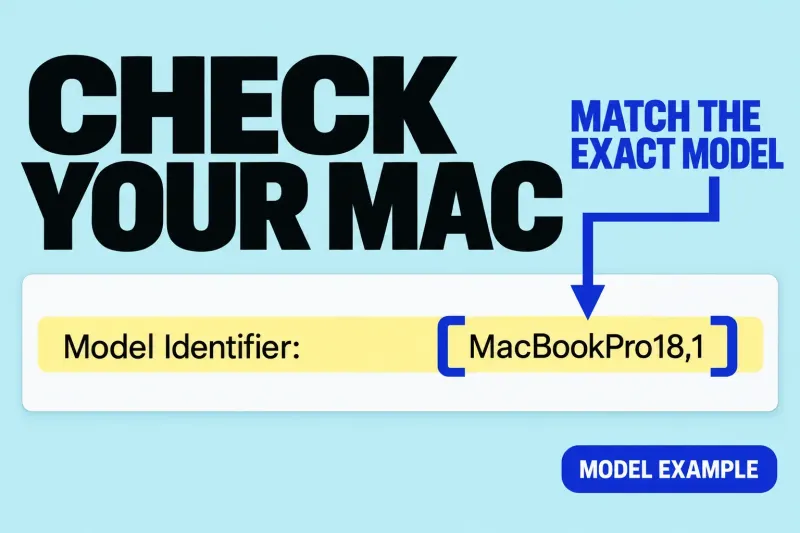
Identify your Mac model, chip, memory and installed macOS, then compare them with the requirements for the app release and offering you intend to obtain. For the standalone Mac app, check the current US App Store compatibility listing. Apple's product page and feature notes distinguish the Mac and iPad offerings and attach conditions to individual features.
These guides explain the Mac workflow. Do not carry a Mac menu path, hardware recommendation or feature assumption straight across to iPad. Likewise, an old tutorial's “Final Cut Pro X” label does not establish compatibility with the release you are choosing today.
Match the exact release to your installed system and supported hardware. If you are planning an OS update too, check that combination before changing either part.
Check the device, chip, language and software conditions attached to the feature you want. Basic app eligibility does not mean every feature has the same requirements.
Check any essential plug-in, companion app, storage setup and collaborator's version separately. A compatible host app does not settle a third-party tool's support requirements.
For a hardware purchase, add the footage and delivery demands to that list: formats, frame sizes, project complexity and available storage. Minimum requirements are an eligibility check, not a promise of comfortable performance for every edit. The requirements guide above explains those distinctions without treating one specification as a universal buying recommendation.
If the supported app opens but one edit struggles, use media and proxy decisions or troubleshooting to narrow the cause. If you are choosing between purchase options, editors or companion tools, continue to tools and comparisons.