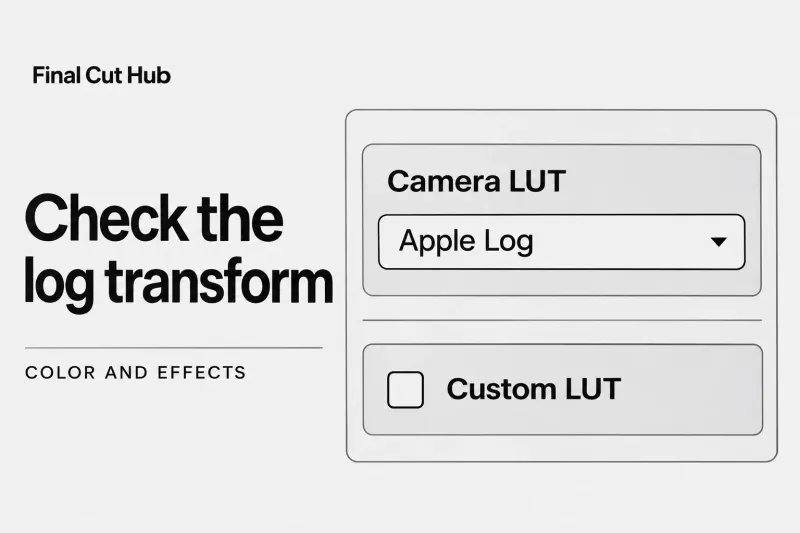
Color and effects
Use LUTs in Final Cut Pro Without Applying a Log Transform Twice
Before adding a LUT to flat-looking log footage in Final Cut Pro, check whether a Camera LUT is already active. Apple's
Choose a practical Final Cut Pro guide for the task in front of you, from organizing media to delivering the finished edit.
Before adding a LUT to flat-looking log footage in Final Cut Pro, check whether a Camera LUT is already active. Apple's

To crop video in Final Cut Pro, select the clip in the timeline, press Shift-C, and make sure Crop is selected at the
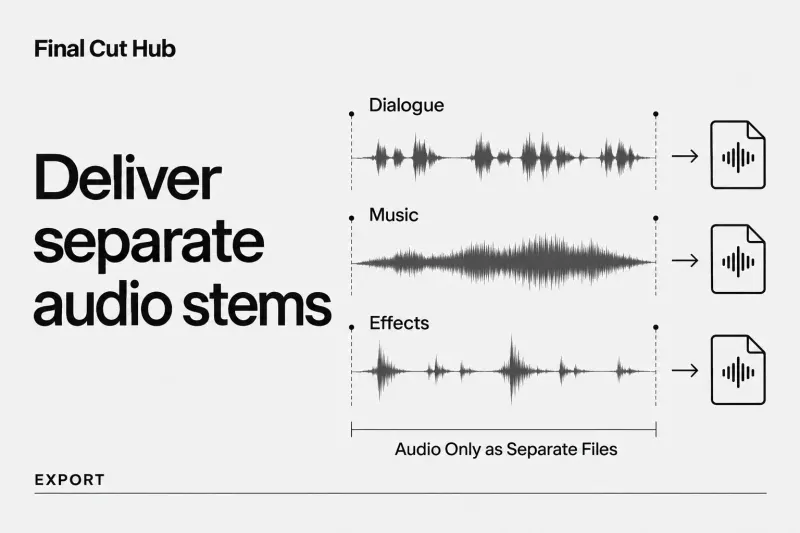
To deliver separate dialogue, music, and effects files from Final Cut Pro, first check the audio role assigned to each component. Then use File

To blur a face in Final Cut Pro, choose Final Cut Pro > Settings, click General, and set Drop Effect in Viewer to Add
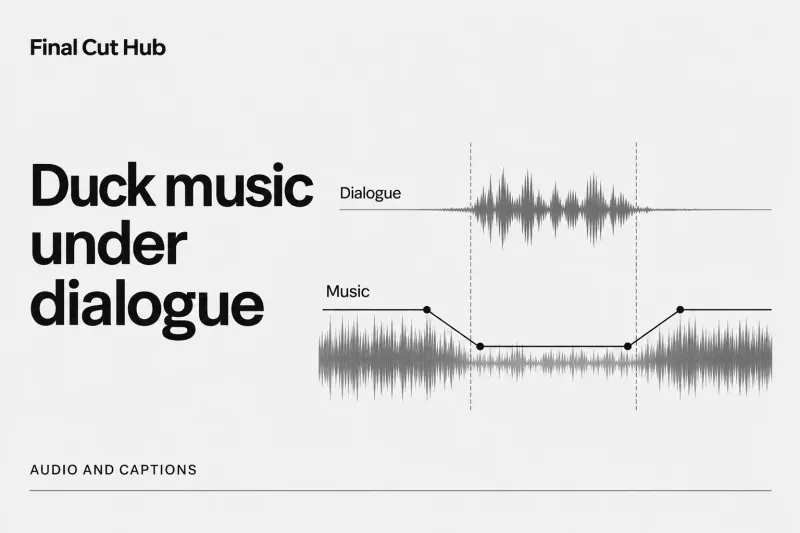
Final Cut Pro has no automatic ducking switch, so you duck music by hand: press R for Range Selection, drag across the music under
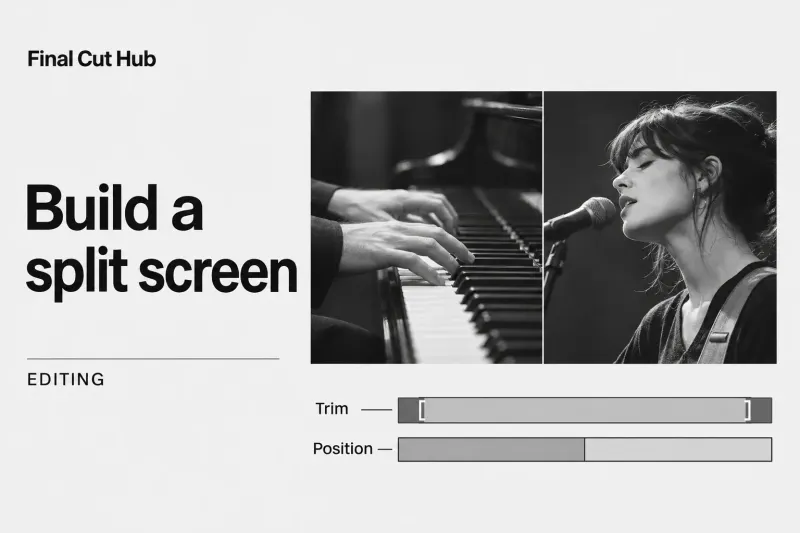
To make a split screen in Final Cut Pro, stack the shots: put one clip in the primary storyline and connect the others above
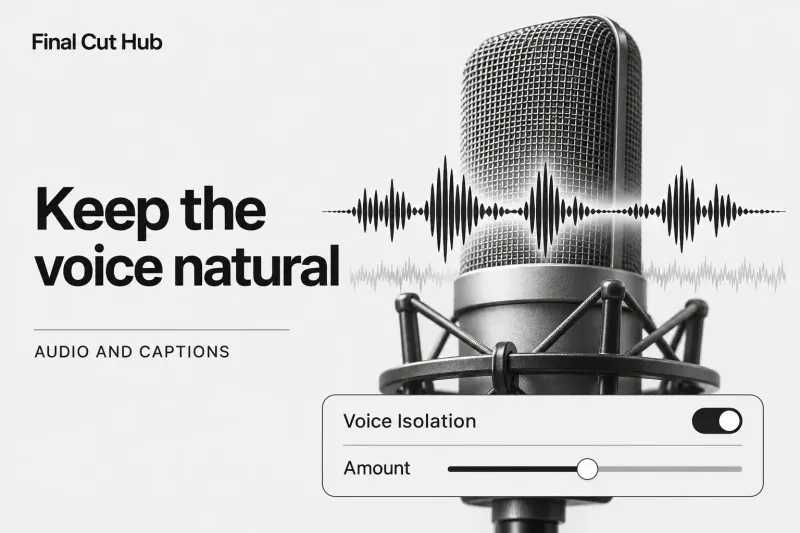
In Final Cut Pro for Mac, Voice Isolation prioritizes detectable human voices over other audio. Select the voice component in the timeline, open the
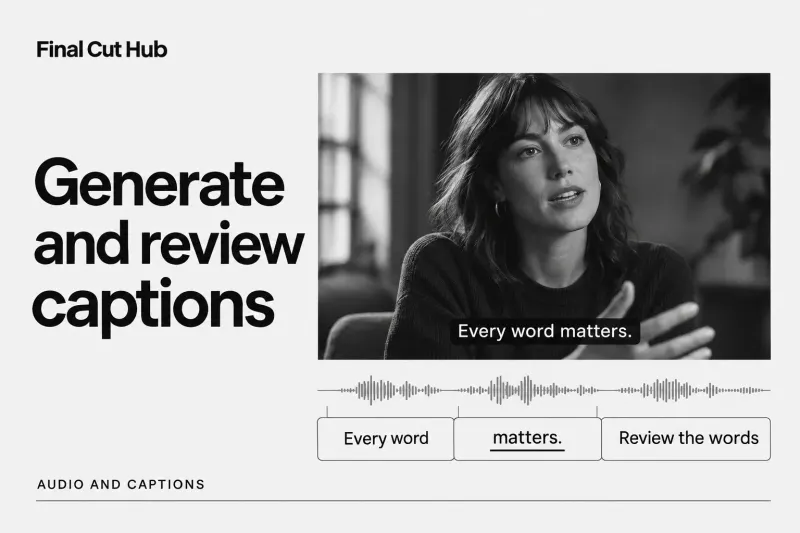
Select the dialogue clips in the timeline and choose Edit > Generate Captions > Subtitles (Shift-Command-S) for styled text rendered into the
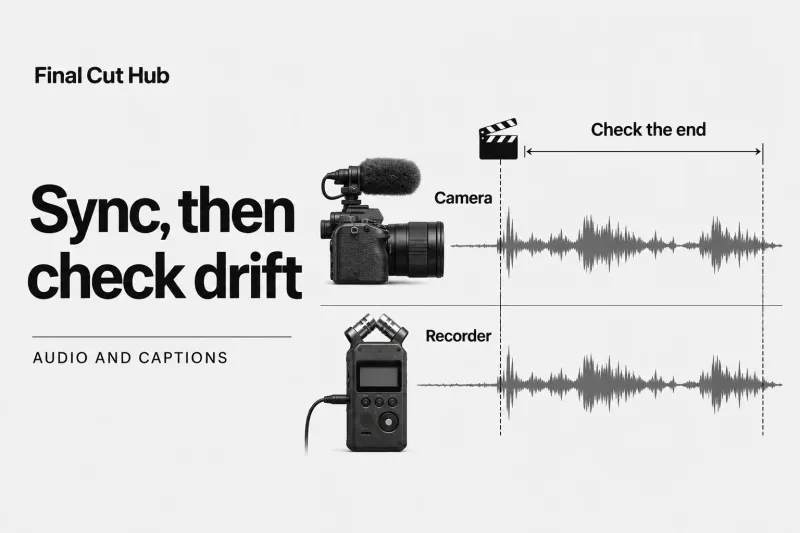
Select the camera clip and separate audio recording in the Final Cut Pro browser, then choose Clip > Synchronize Clips. Final Cut Pro creates
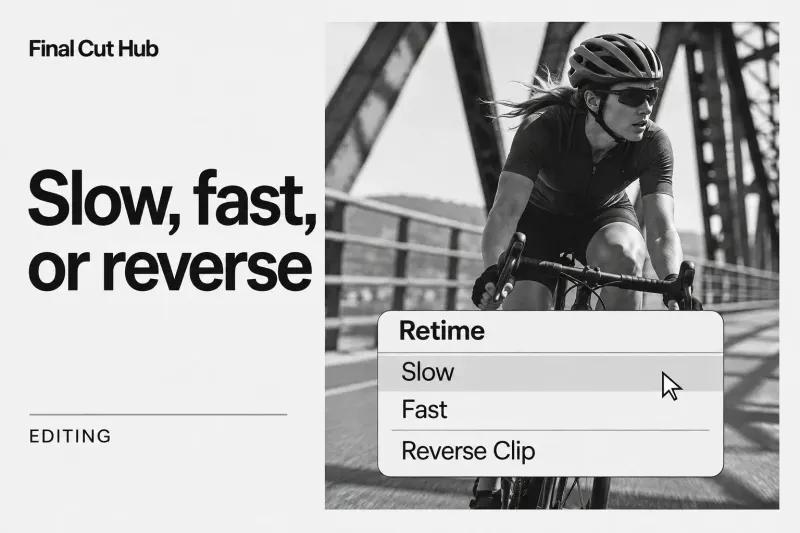
To speed up or slow down a clip in Final Cut Pro, select it in the timeline and choose Retime > Slow or Fast
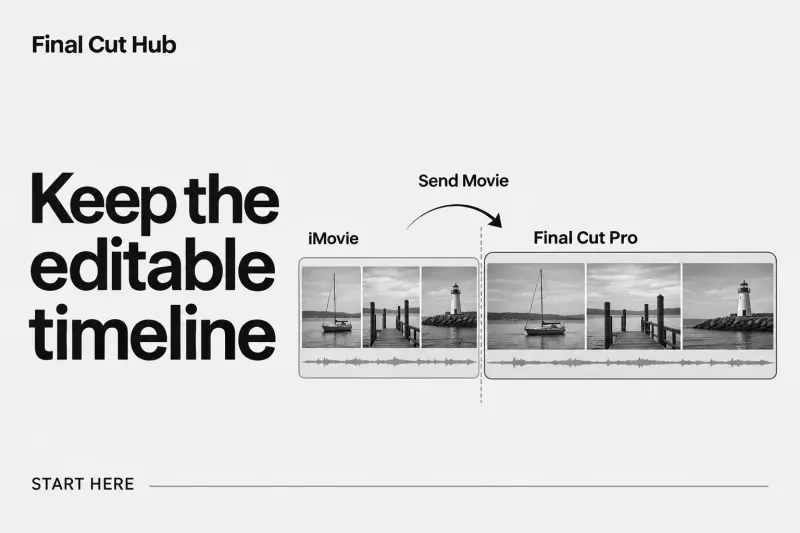
Start the transfer in iMovie, not by trying to open an iMovie project file directly in Final Cut Pro. Select a movie project in
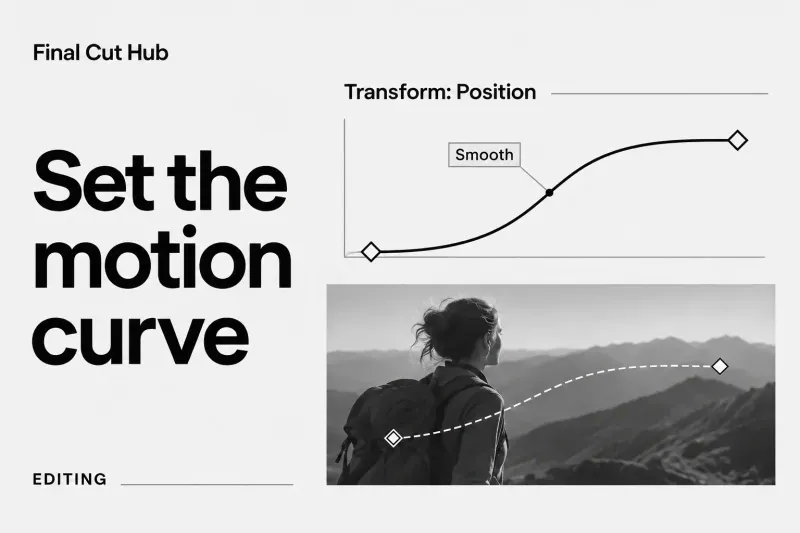
To add a keyframe in Final Cut Pro, select the clip, put the playhead where the change should start, and click the Keyframe button