Editing
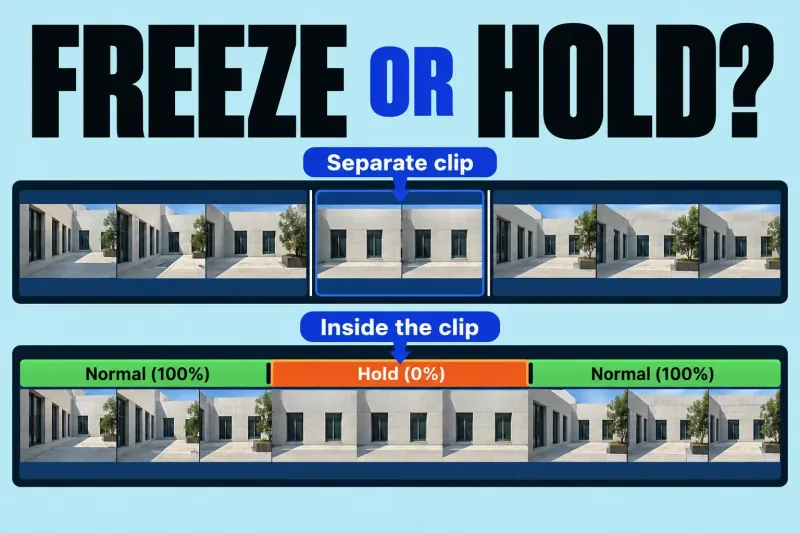
Freeze Frame or Hold Segment in Final Cut Pro: Which Should You Use?
Use a freeze-frame clip when you want a separate still clip that can be moved in the project. Use a hold segment when
Use a freeze-frame clip when you want a separate still clip that can be moved in the project. Use a hold segment when

Final Cut Pro's Green Screen Keyer removes a selected green or blue color so a foreground clip can sit over another clip.
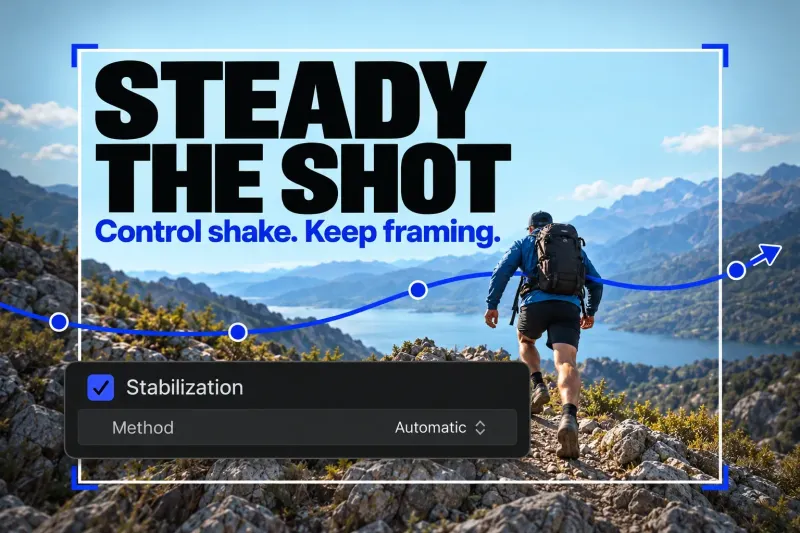
In Final Cut Pro, select the shaky clip in the timeline and turn on Stabilization in the Video inspector. Let the analysis finish, then
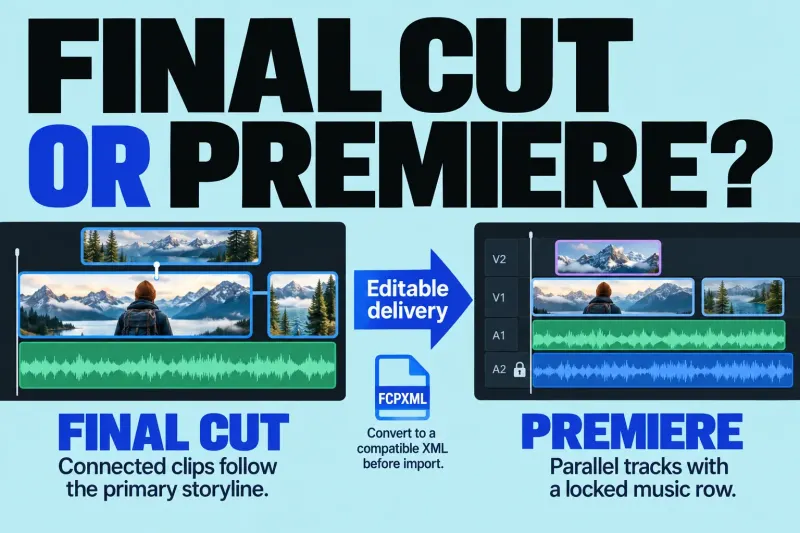
Choose Final Cut or Premiere by the editable project your team needs, the subscription commitment, and what survives a cross-editor handoff.
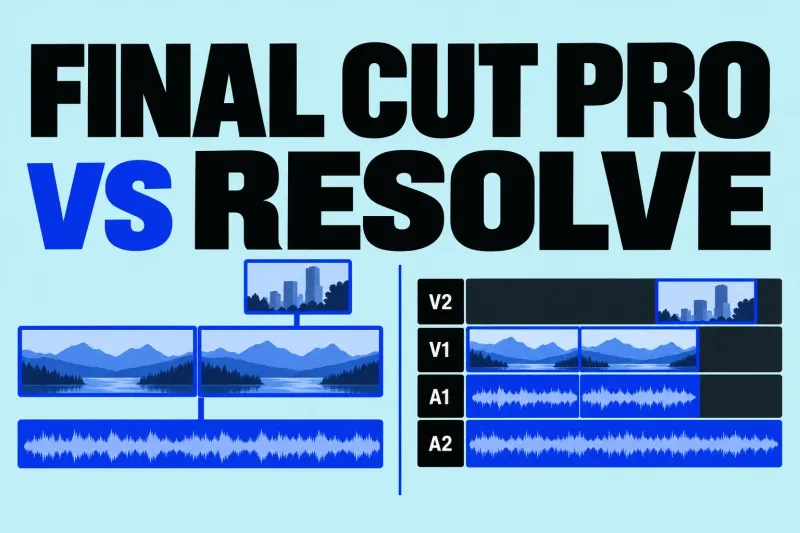
Final Cut or Resolve? Compare current costs, Mac support, codecs, finishing tools, and the limits of sending a Final Cut edit to Resolve.
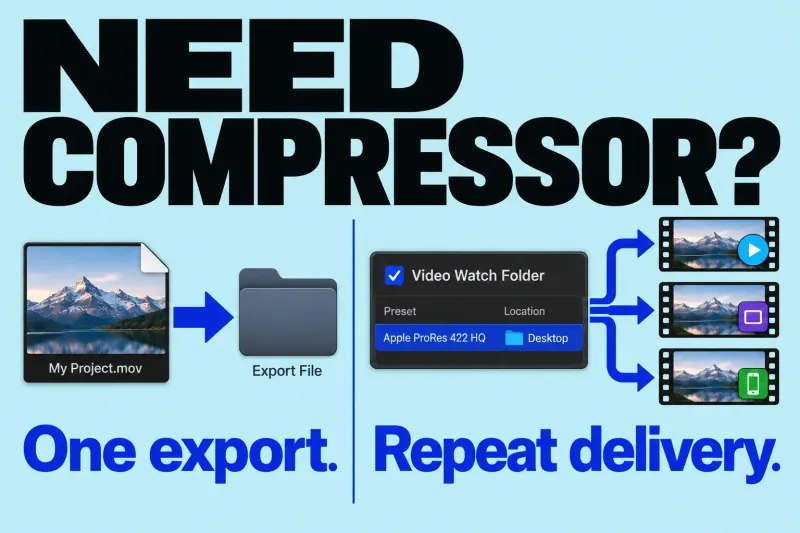
You do not need Compressor simply to export a video from Final Cut Pro. Start with the built-in destinations. I would add Compressor
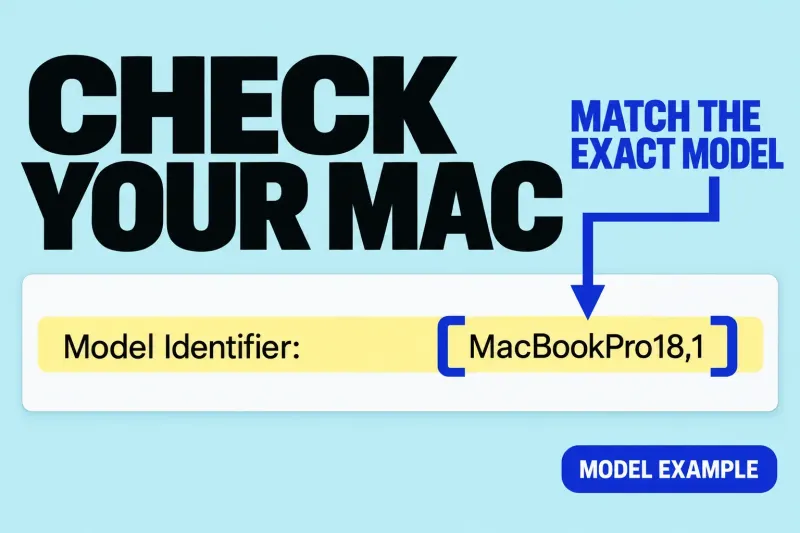
Check installation requirements, Apple silicon features, and project storage before buying or updating a Mac.
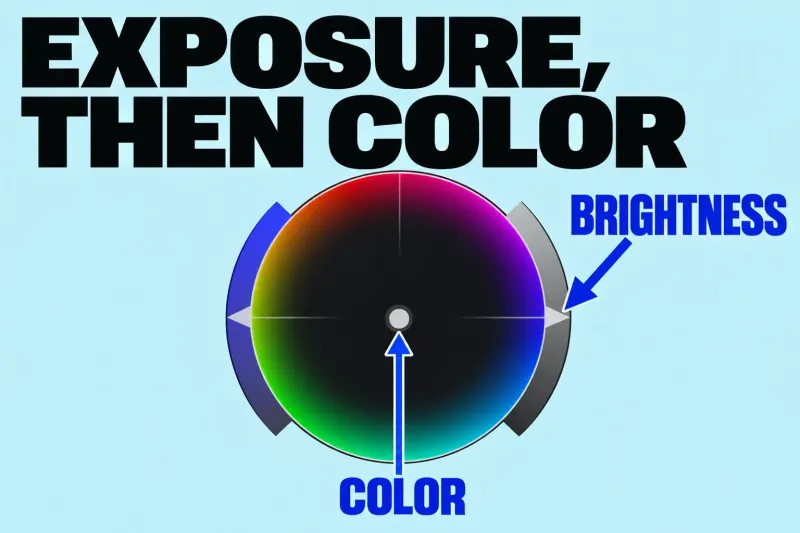
Start Final Cut Pro color correction by choosing a representative shot, checking its exposure, and correcting an unwanted color cast. Use video scopes alongside
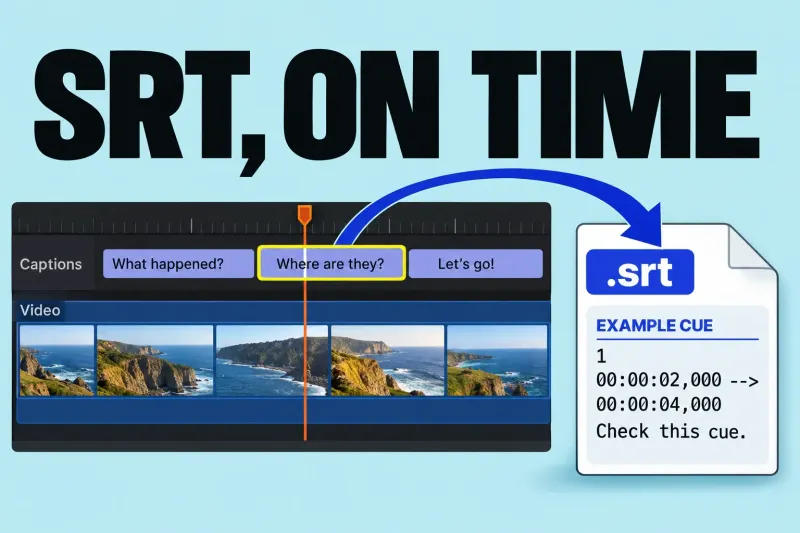
To export an SRT from Final Cut Pro, the project needs an SRT closed-caption role. Then export the required language from File >
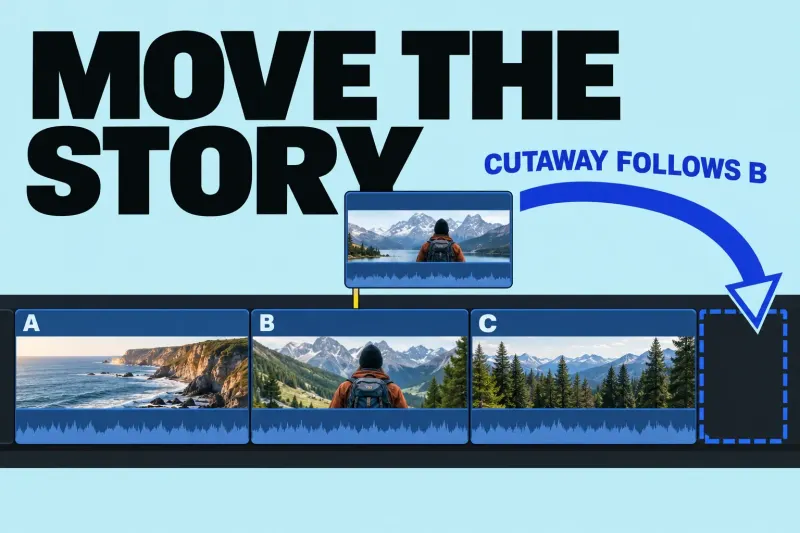
The Final Cut Pro Magnetic Timeline keeps the main sequence together as you rearrange it. Connected clips attach supporting picture or sound to that
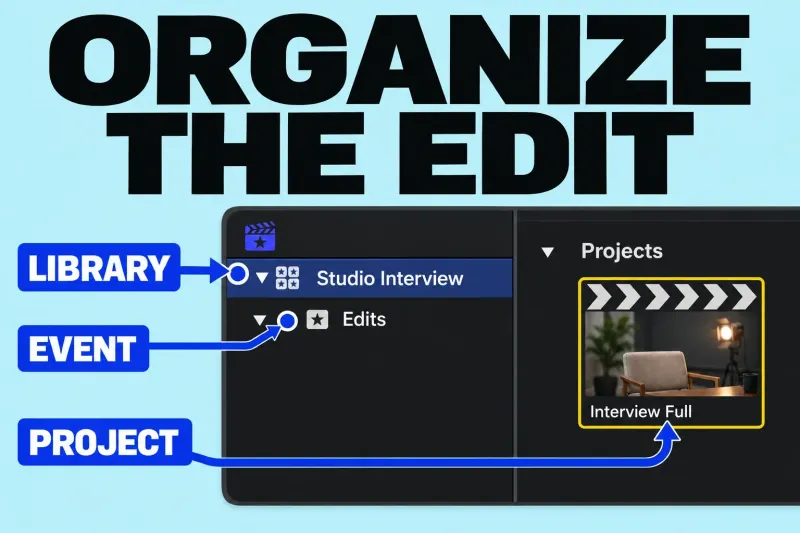
A library holds your editing work, an event organizes items inside that library, and a project is the sequence you edit in the timeline.
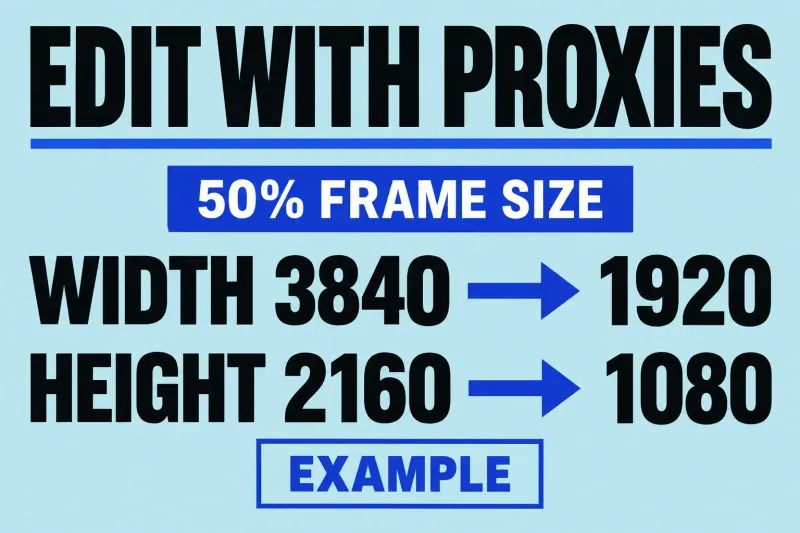
A Final Cut Pro proxy workflow uses alternate video files for editing, then returns to optimized or original media for finishing and export. The