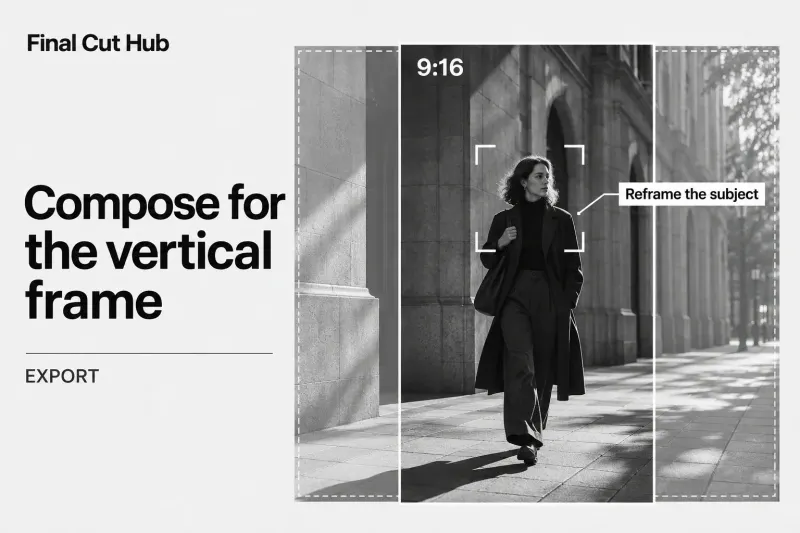
Export
Prepare and Export a Vertical Video in Final Cut Pro
Prepare a vertical video in its own Final Cut Pro project, export a local SDR file, then check platform requirements separately. A vertical version
Choose a practical Final Cut Pro guide for the task in front of you, from organizing media to delivering the finished edit.
Prepare a vertical video in its own Final Cut Pro project, export a local SDR file, then check platform requirements separately. A vertical version
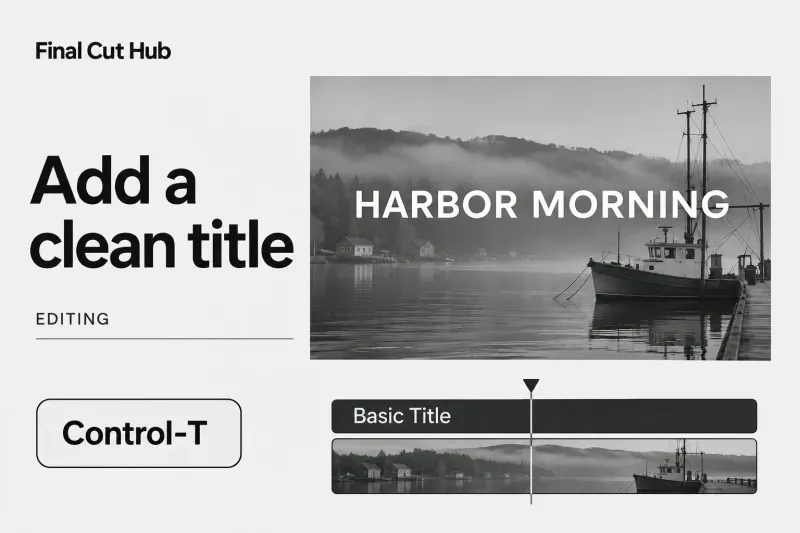
To add text in Final Cut Pro for Mac, put the skimmer or playhead where it should start and press Control-T. The factory

When an export looks different from Final Cut Pro, find where the image first changes before you touch the grade. Check the source interpretation,
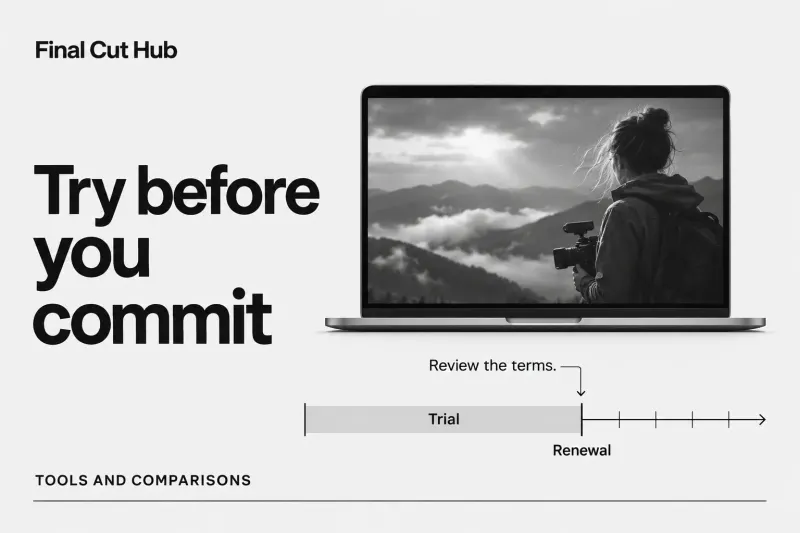
Final Cut Pro's free trial is now one month of Apple Creator Studio, the subscription that bundles Final Cut Pro with Logic
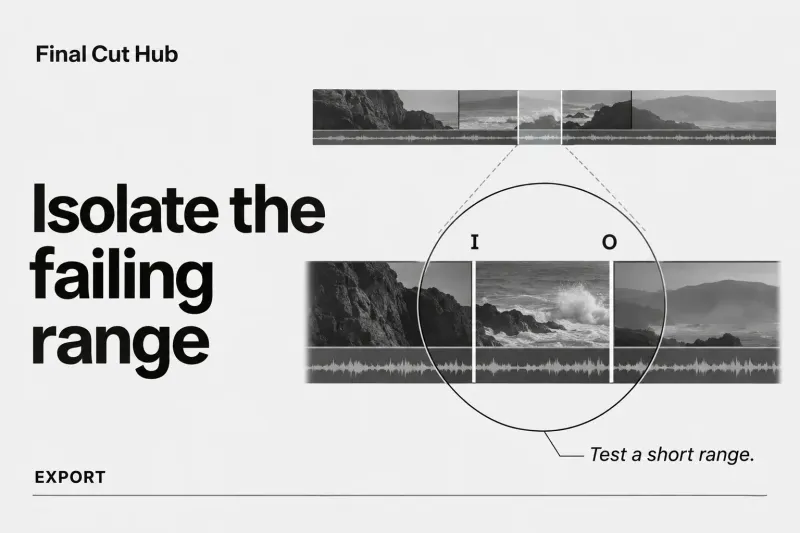
Preserve the edit and read the exact alert. Then reproduce the failure with one controlled local export. If the location is unknown, narrow the

Apple's keyboard shortcut reference for Final Cut Pro for Mac lists about 380 entries, but a dozen or so carry most of
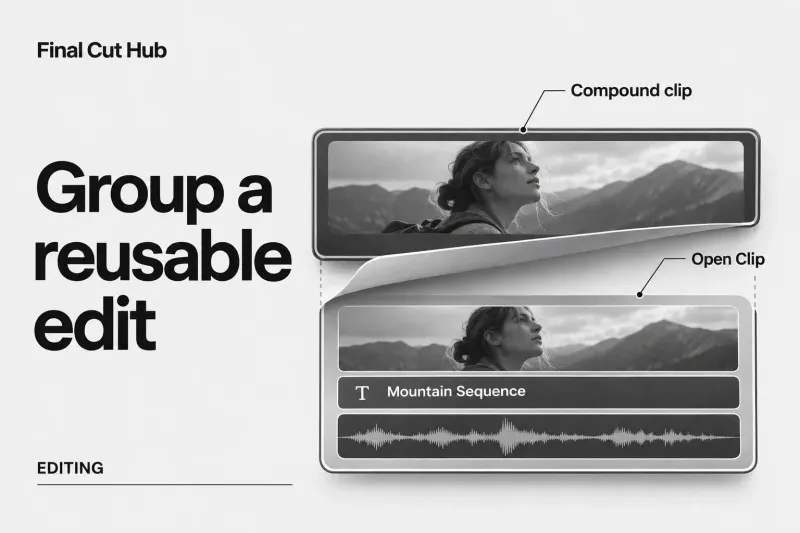
A compound clip in Final Cut Pro groups several clips into one item you can move, trim, retime, or grade while keeping its contents
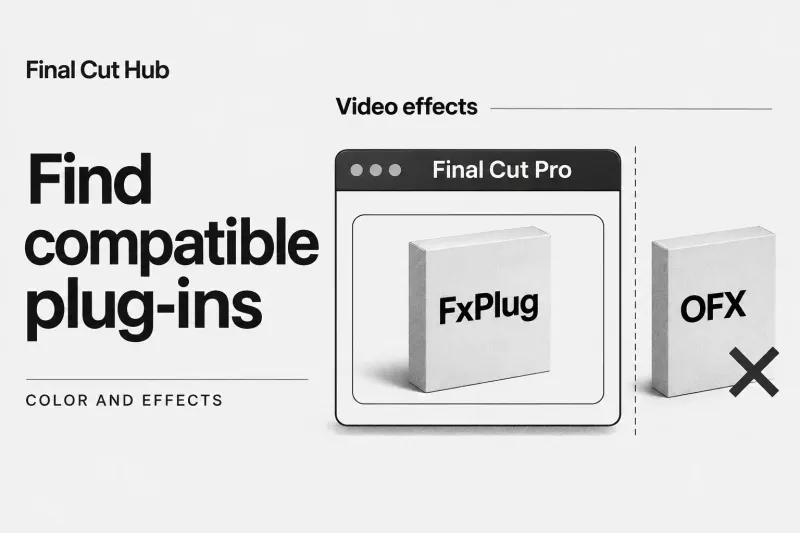
Final Cut Pro doesn't load OFX plug-ins. OpenFX is the open plug-in standard used by DaVinci Resolve, Fusion, Nuke, Flame,
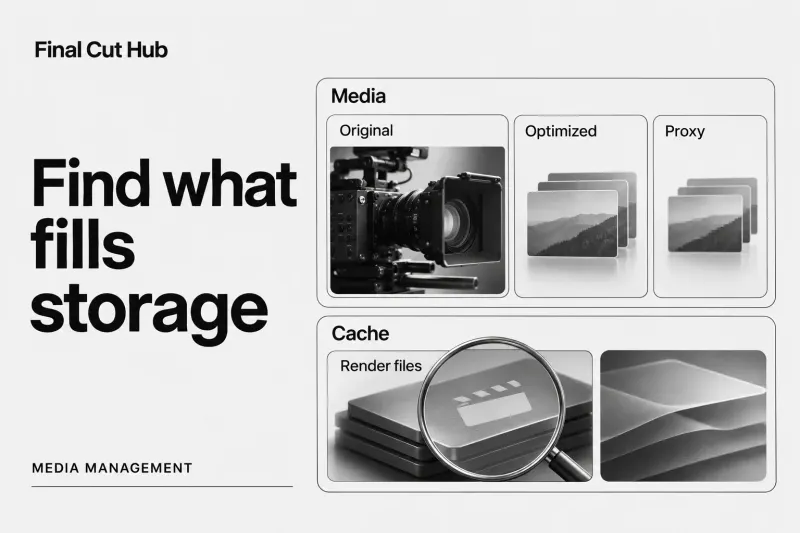
A Final Cut Pro library can contain the original recordings plus optimized media, proxies, and render files, so its size can far exceed a

Final Cut Pro costs $299.99 as a one-time purchase from the Mac App Store in the U.S. You can also get
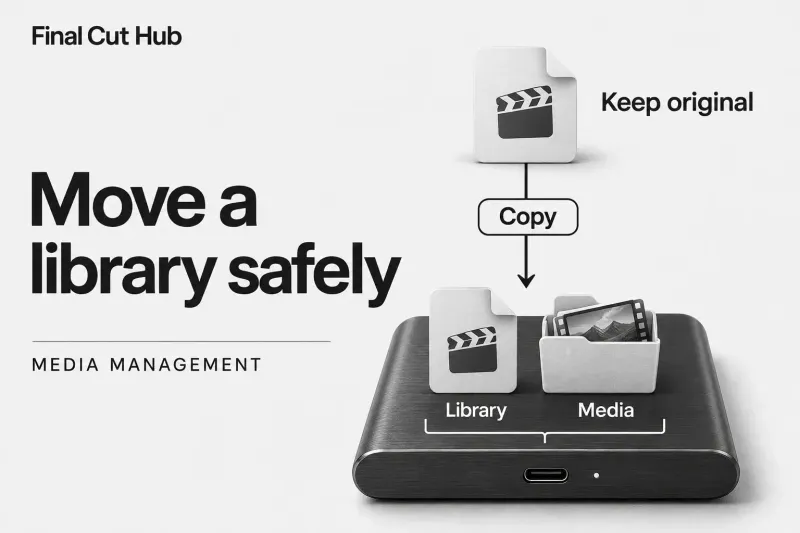
Copy the library to the SSD in Finder, keep the original, then consolidate its media. A Final Cut Pro library alone isn’t the
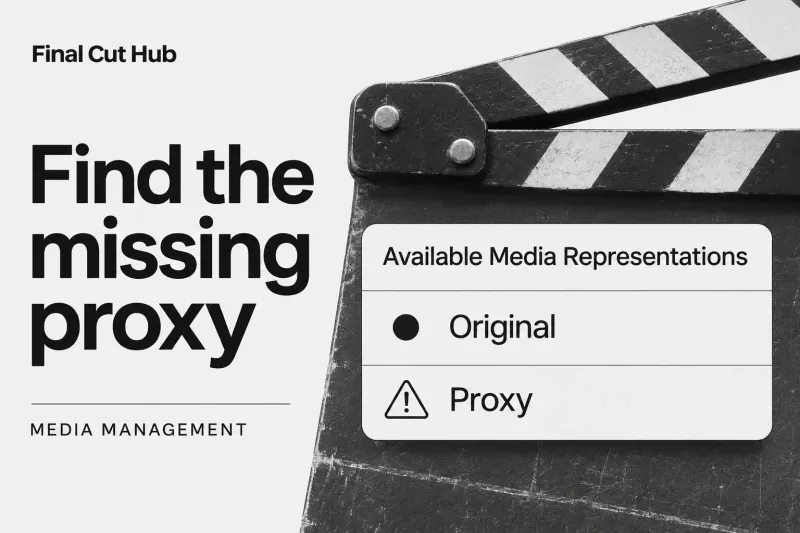
Missing proxy media doesn't automatically mean the edit is lost: a proxy is generated working media. First check the playback mode and