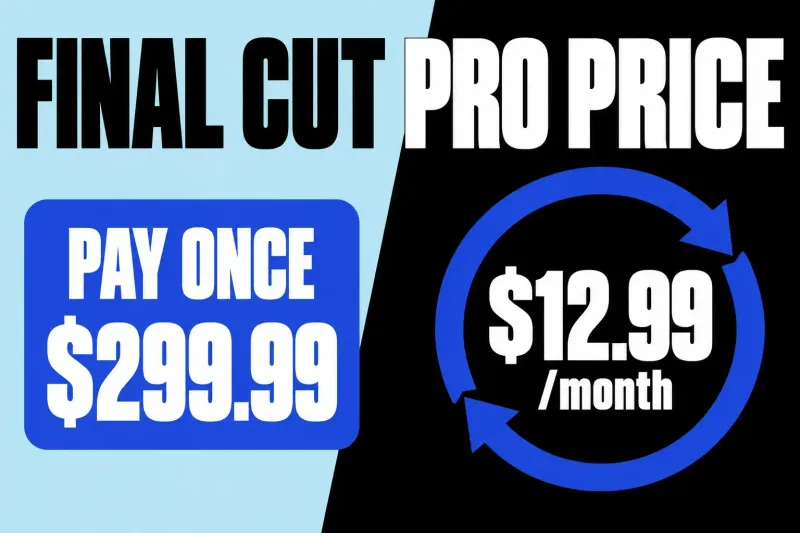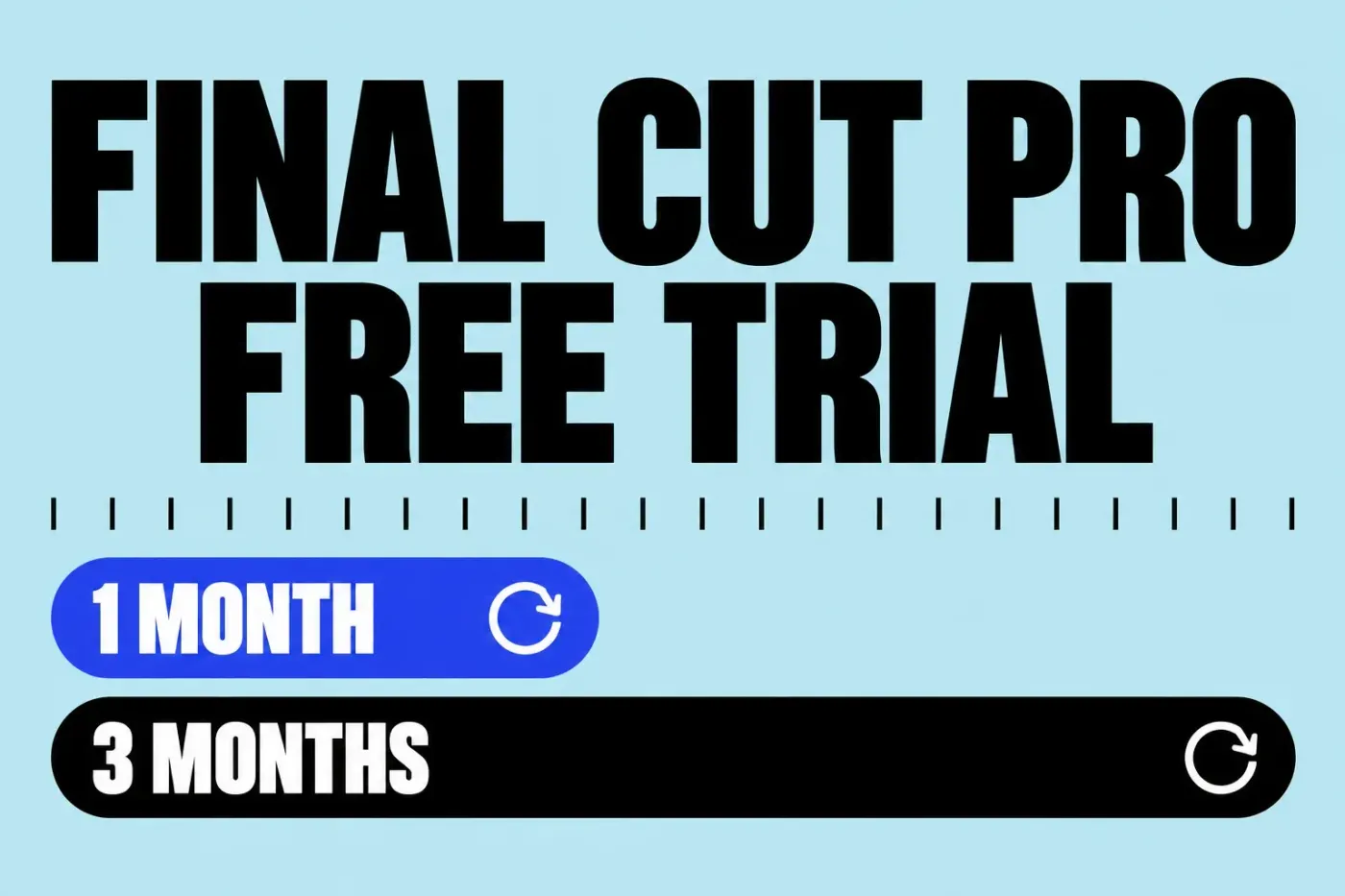
Final Cut Pro's free trial is now one month of Apple Creator Studio, the subscription that bundles Final Cut Pro with Logic Pro, Pixelmator Pro, Motion, Compressor, and MainStage. Buy a new Mac or iPad and you can get three months free instead. When the free period ends, the plan renews at $12.99 a month or $129 a year unless you cancel, and the old 90-day download trial is gone. If you'd rather not subscribe at all, Apple's Final Cut Pro FAQ confirms the app is still a $299.99 one-time purchase.
Below: which free offer you qualify for, how to start it without paying for the wrong plan, a plan for the free month, how to cancel on a Mac or iPad, what happens to your projects afterward, and the free editors worth a look if you don't want to pay.
Which Final Cut Pro free trial you can get
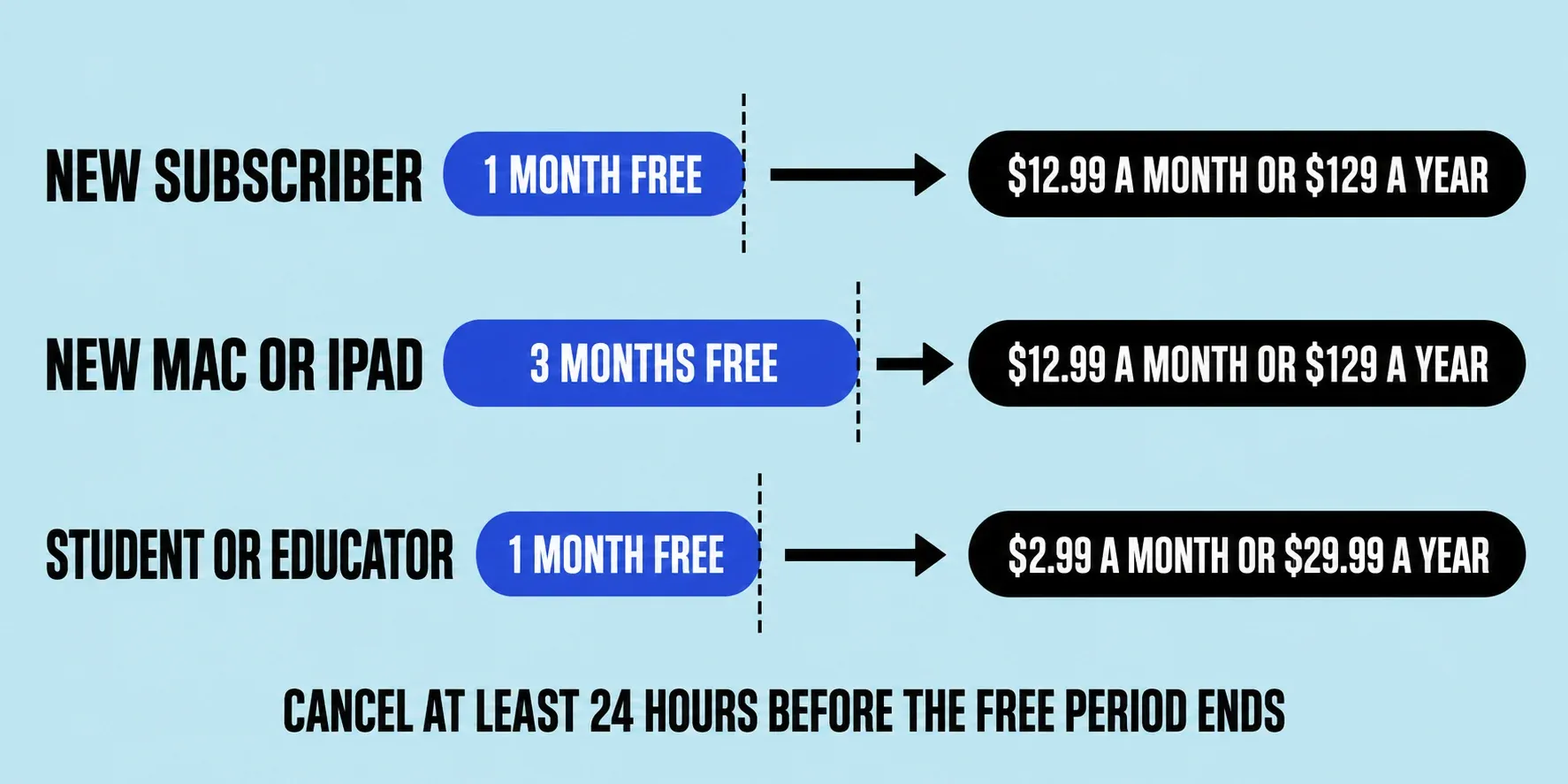
All three free routes run through Creator Studio, and Apple's Creator Studio page lists them with their fine print:
| Offer | Free period | Who qualifies | Price after it ends |
|---|---|---|---|
| New subscriber | 1 month | New Creator Studio subscribers | $12.99 a month or $129 a year |
| New Mac or iPad | 3 months | New and qualified returning subscribers who buy an eligible Mac or iPad and claim the offer within three months of first activating it | $12.99 a month or $129 a year |
| Student or educator | 1 month | College students and educators who pass verification | $2.99 a month or $29.99 a year |
The device offer has more conditions than the other two. It's limited to one offer per Apple Account and one per family, it isn't available if you or your family already accepted a Creator Studio three-months-free offer, and Apple's Creator Studio support article says to sign up with the same Apple Account you used to set up the new device. Every plan renews automatically until you cancel. A standard subscription can be shared with up to five other family members through Family Sharing; student and educator subscriptions are for individual use only.
If a new Mac or iPad is coming in the next few weeks, I'd wait and start the trial on it, because three months is enough for two or three real projects instead of one. Apple doesn't define who counts as a qualified returning subscriber, so I wouldn't take the one-month trial first and hope the three-month offer still applies afterward.
The 90-day download trial is gone
For years Apple offered a separate Final Cut Pro trial download on its website, and it ran for 90 days. Cult of Mac reported that Apple ended it after Creator Studio launched, which also ended the old trick of installing a newer version to restart the 90 days. A few regional trial links kept working for a while, until Apple pulled those too, according to 9to5Mac's updated report. Apple's old trial page now redirects to the main Final Cut Pro page.
That's why so many answers online are wrong: videos and articles still promise a 90-day trial, a trial with no payment details, or a 3-month trial for everyone. Final Cut Pro now comes only from the App Store, so I wouldn't install any Final Cut Pro trial file offered elsewhere. It isn't Apple's, and you don't know what's inside it.
How to start the Final Cut Pro free trial
The trial starts inside the app, not on a web page. The same Apple support article describes the sign-up:
- Check your Mac first. Apple's pages disagree on the minimum macOS version for the current release, and the Final Cut Pro system requirements guide explains which figure to go by. A trial on a Mac that can't run the current version wastes the free month.
- Download Final Cut Pro from the App Store. The Creator Studio version has its own icon, so you can tell it apart from the one-time app if you install both later.
- Open it and click Continue. Follow the onscreen instructions to start the subscription.
- Choose monthly or yearly. The free period comes first, then the plan you picked starts billing.
- Use a personal Apple Account. A Managed Apple Account from work or school can't subscribe. For the three-month offer, sign in with the account you set the new Mac or iPad up with.
I'd choose the monthly plan when you start the trial, because if you forget to cancel, the first charge is $12.99 instead of $129. If you decide to keep Final Cut, switching to the yearly plan later only takes choosing a different subscription option in your App Store subscriptions. Then set a calendar reminder two days before the free period ends.
What to do with your free month
A month goes fast. I'd spend it on one real project from import to export rather than on tutorials alone, because that's the only way to find out whether Final Cut handles your camera files, your Mac, and the format you deliver in. A practical order:
- First days: import and rough cut. Bring in your own footage with the guide to importing media, then build a first cut with the Final Cut Pro beginner tutorial.
- First week: learn the keys. Editing speed is what you're really judging, and the Final Cut Pro keyboard shortcuts guide lists the ones to learn first.
- Second week: push your Mac. Cut your heaviest footage, and if playback stutters, switch to the proxy workflow before you judge the app.
- Third week: check your add-ons. If you rely on effects from another editor, the Final Cut Pro plugins guide explains which ones load.
- Last week: export for real. Deliver the finished piece where it's going, for example with the YouTube export settings.
If that project goes smoothly, you know more than any feature list can tell you. If it doesn't, you've found out for free.
How to cancel before the trial renews
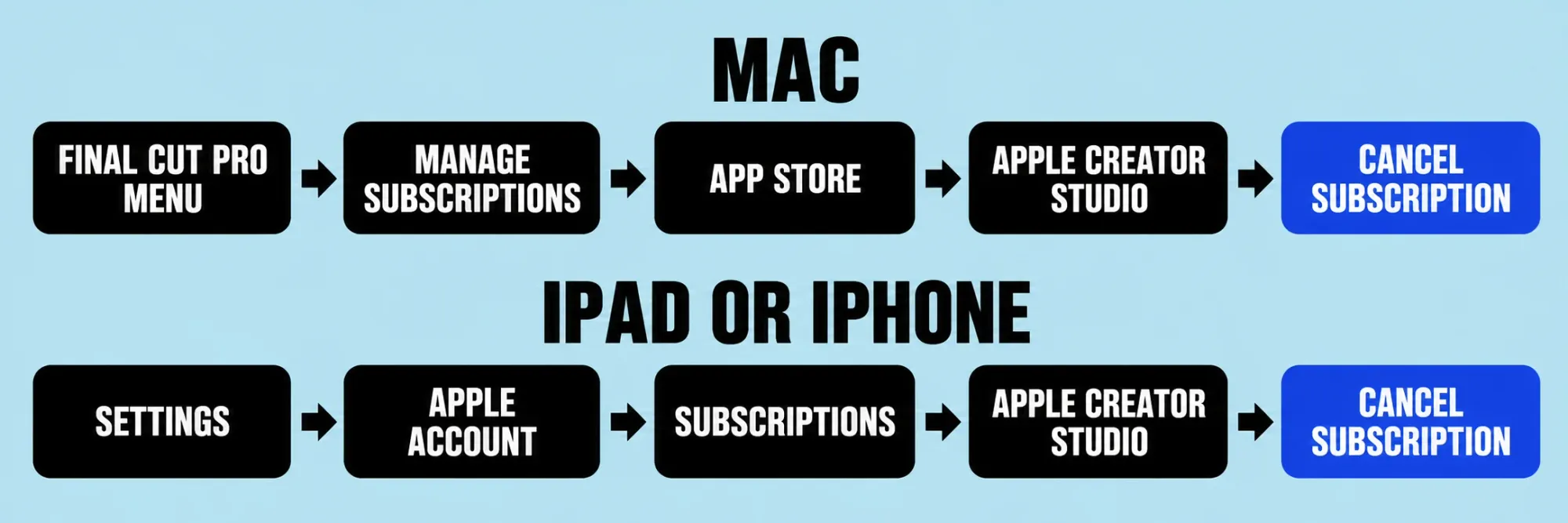
Cancel at least 24 hours before the trial ends if you don't want to pay, which is Apple's rule for trial subscriptions. Apple's Creator Studio article gives the paths:
- On a Mac: in Final Cut Pro, choose Final Cut Pro > Manage Subscriptions. The App Store opens with your subscriptions. Click Apple Creator Studio, then click Cancel Subscription.
- On an iPad or iPhone: open Settings, tap your Apple Account, tap Subscriptions, tap Apple Creator Studio, then tap Cancel Subscription.
If Apple Creator Studio isn't in the list, check that the App Store is signed in to the Apple Account you subscribed with. The same screens let you change plans instead: click a different subscription option on a Mac, or tap See All Plans on an iPad or iPhone.
What happens to your projects when the trial ends
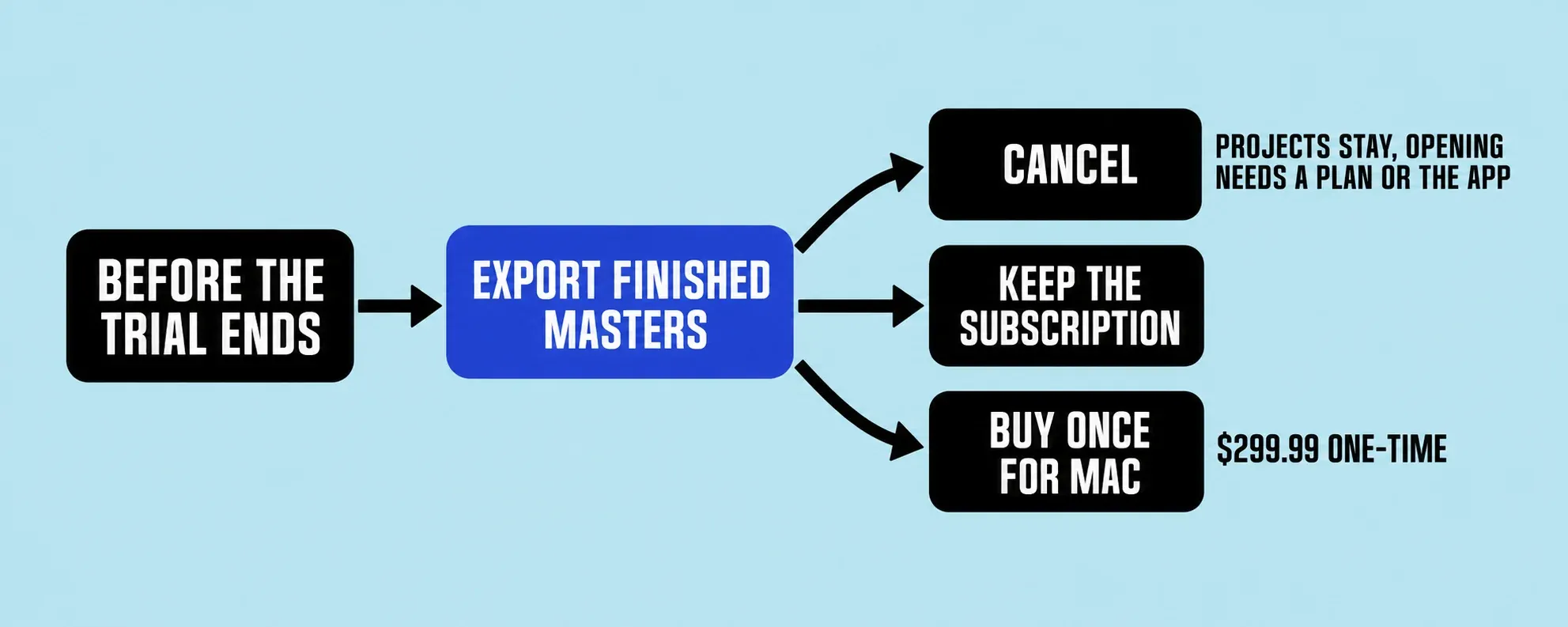
Your projects stay, but you can't open them without paying. The FAQ on Apple's Creator Studio page says projects remain on all your devices and you can copy or share them, but you need an active subscription to open or edit one. Apple's support article adds that you keep them so you can pick up again if you resubscribe or buy the one-time version of the app.
Before the trial lapses, I'd export a finished master of anything you've completed, because a file you've exported plays anywhere, while the project needs Final Cut to open. Keep the library too, in case you come back.
If you liked the app, the choice is between the subscription and the $299.99 Mac App Store version. For Final Cut alone, the yearly plan passes the one-time price with its third payment ($387) and the monthly plan with its 24th ($311.76). The Final Cut Pro price guide works through the totals when you'd also use Logic Pro, Motion, or Pixelmator Pro. Two details matter if you buy once: Apple says some premium content is available only to Creator Studio subscribers, and copies you own continue to be updated. Both versions can be installed on the same Mac.
Is Final Cut Pro free on iPad?
The iPad app is free to download, not free to use. The Final Cut Pro for iPad App Store listing shows a free download with in-app purchases, and editing runs on the same Creator Studio subscription and the same free month or three-month device offer. It needs an iPad with an M1 chip or later, an iPad (A16), or an iPad mini (A17 Pro). There's no separate one-time purchase for iPad, so the $299.99 option only covers the Mac.
Free alternatives if you don't want to pay
Two free editors are worth trying, and one of them leads straight back to Final Cut.
iMovie is free on the Mac App Store, and a project you start there can move to Final Cut later: in iMovie on a Mac, choose File > Send Movie To Final Cut Pro, as Apple's iMovie guide explains, and the project arrives in a new Final Cut library with its media. I'd start in iMovie if you're new to editing, because nothing you build there is wasted when you upgrade.
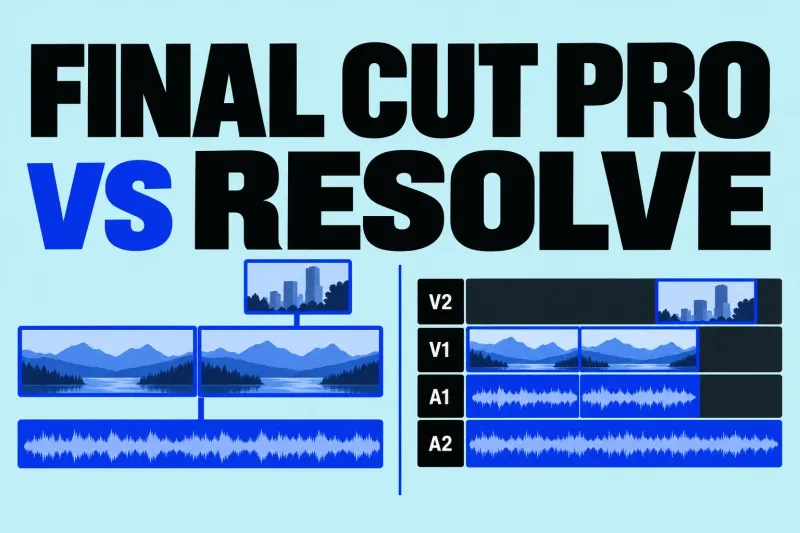
DaVinci Resolve has a full free version. Blackmagic Design says it works with virtually all 8-bit video formats at up to 60 fps in resolutions up to Ultra HD 3840 x 2160, while the paid Studio version adds 10-bit video up to 120 frames per second and resolutions beyond 4K. Check what your camera records before you settle on it. The Final Cut Pro vs DaVinci Resolve comparison covers how the two differ once you're past the price.
What I'd do
Start the trial only when you have a real project ready, and take the three-month offer if a new Mac or iPad is close. Pick the monthly plan, set a reminder two days before the end, and cancel at least a day early if you're not sure. Export your finished work before the trial lapses. If you keep going, buy Final Cut once if you'll edit on a Mac for more than two years and don't need the other apps; otherwise the subscription is the cheaper way in.