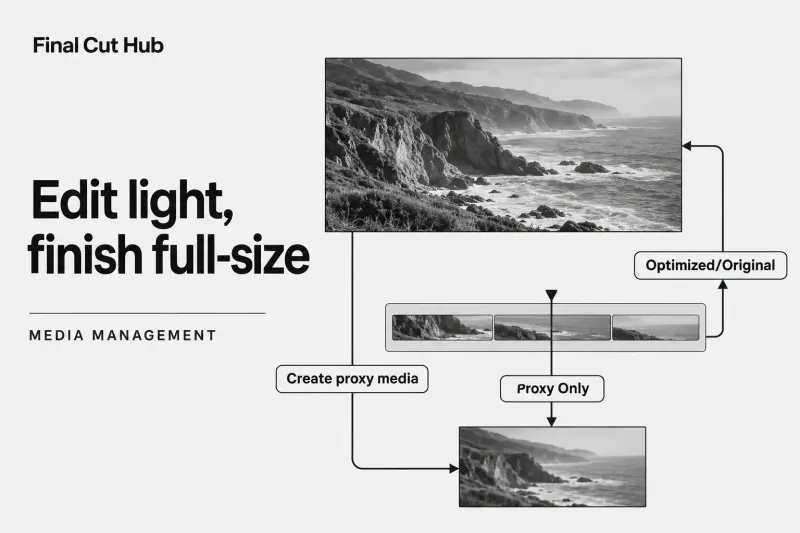
Media management
Final Cut Pro Proxy Workflow: Create, Switch, and Finish
Select source clips in the browser, choose File > Transcode Media, and enable Create proxy media. After transcoding finishes, open the viewer’s View
Choose a practical Final Cut Pro guide for the task in front of you, from organizing media to delivering the finished edit.
Select source clips in the browser, choose File > Transcode Media, and enable Create proxy media. After transcoding finishes, open the viewer’s View

For a conventional 4K SDR YouTube video, use a 3840 × 2160 project, an intentional frame rate, Rec. 709 color, and an H.264 delivery
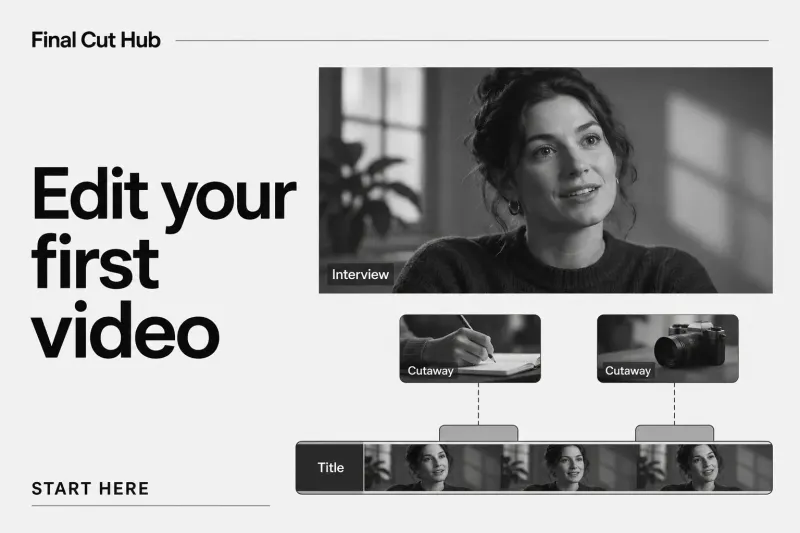
Your first Final Cut Pro edit can be a short interview answer with two cutaways and one opening title. Aim for about 60 seconds,
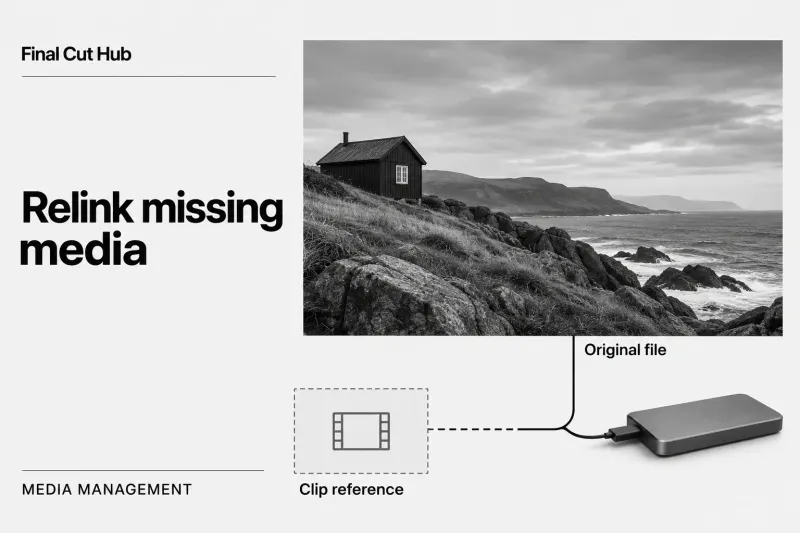
For a Missing File warning, reconnect the expected drive and check the original’s location before using File > Relink Files > Original Media.
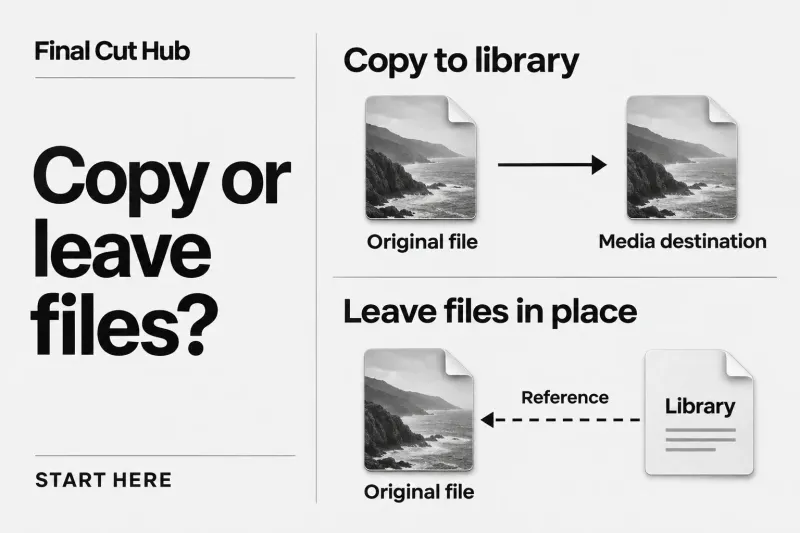
For ordinary files on your Mac or a storage drive, choose Copy to library to create copies at the library’s Media destination, or
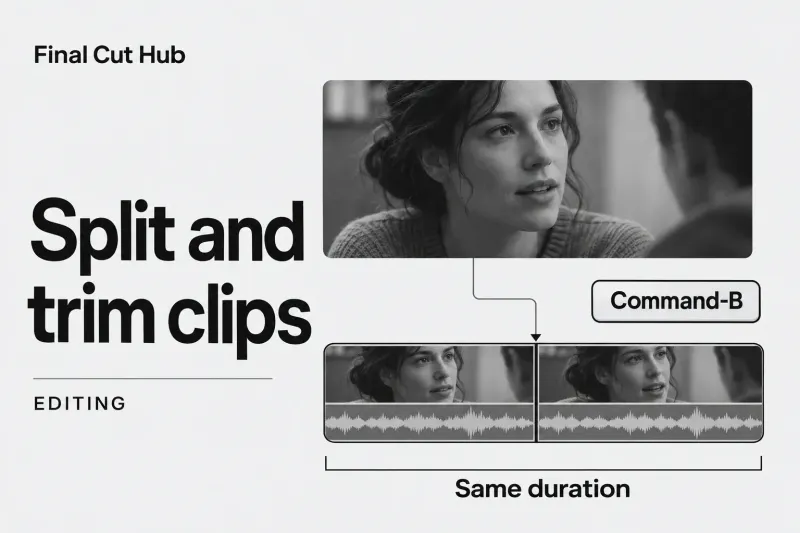
To trim a clip in Final Cut Pro, choose Select (A) and drag its start or end edge. In the primary storyline, later clips